ES
English source→Spanish
A synthetic Latin American presenter delivers a short English product update and its Spanish translation.
Translate video speech into 20+ languages. Upload an MP4, WebM, or MOV file, choose the target language, and preview the translated video online.
Choose a language to compare a short English source clip with its AI-translated result. Each example uses a distinct adult synthetic presenter created for that audience.
A synthetic Latin American presenter delivers a short English product update and its Spanish translation.
Synthetic presenters and demo scripts. Select a language to compare its English source with the translated result.
Our AI video translator combines upload, transcription, translation, generated speech, video rendering, preview, and download in one guided workflow. You can inspect the supported formats, choose the language direction, and review the result before deciding whether it is ready to publish.
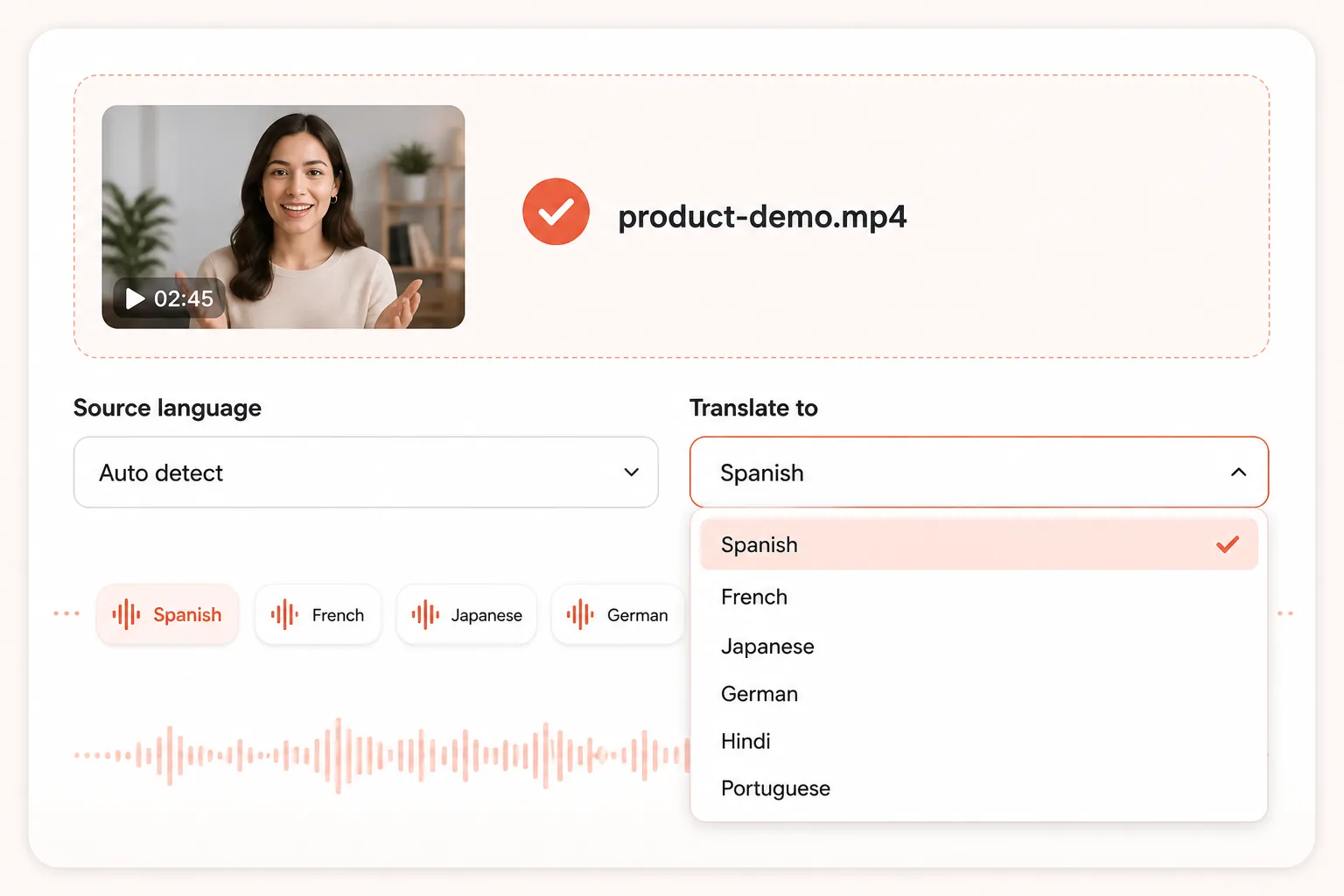
Start with one MP4, WebM, or MOV file and let the AI video translator detect the spoken source language, or choose it yourself. Then select a target language for tutorials, product demos, interviews, training videos, and social clips—without rebuilding the visual edit or recording a separate voice track for every audience.
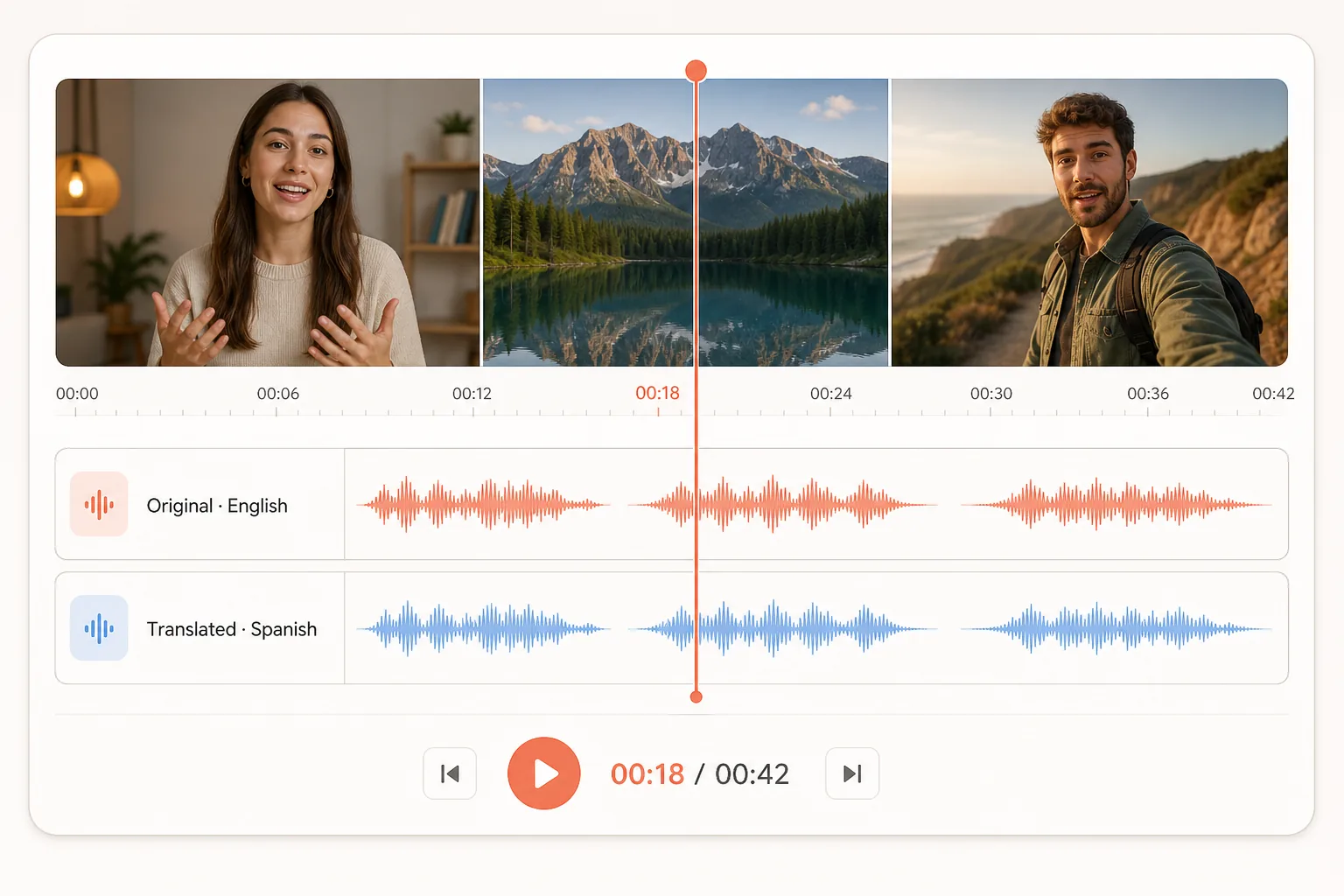
The workflow transcribes the dialogue, translates it, and generates a new voice track around the timing and structure of the source clip. This helps translated speech stay connected to scene changes and speaker turns. Videos with clear speech and limited overlap, background music, or noise give the dubbing model the strongest signal.
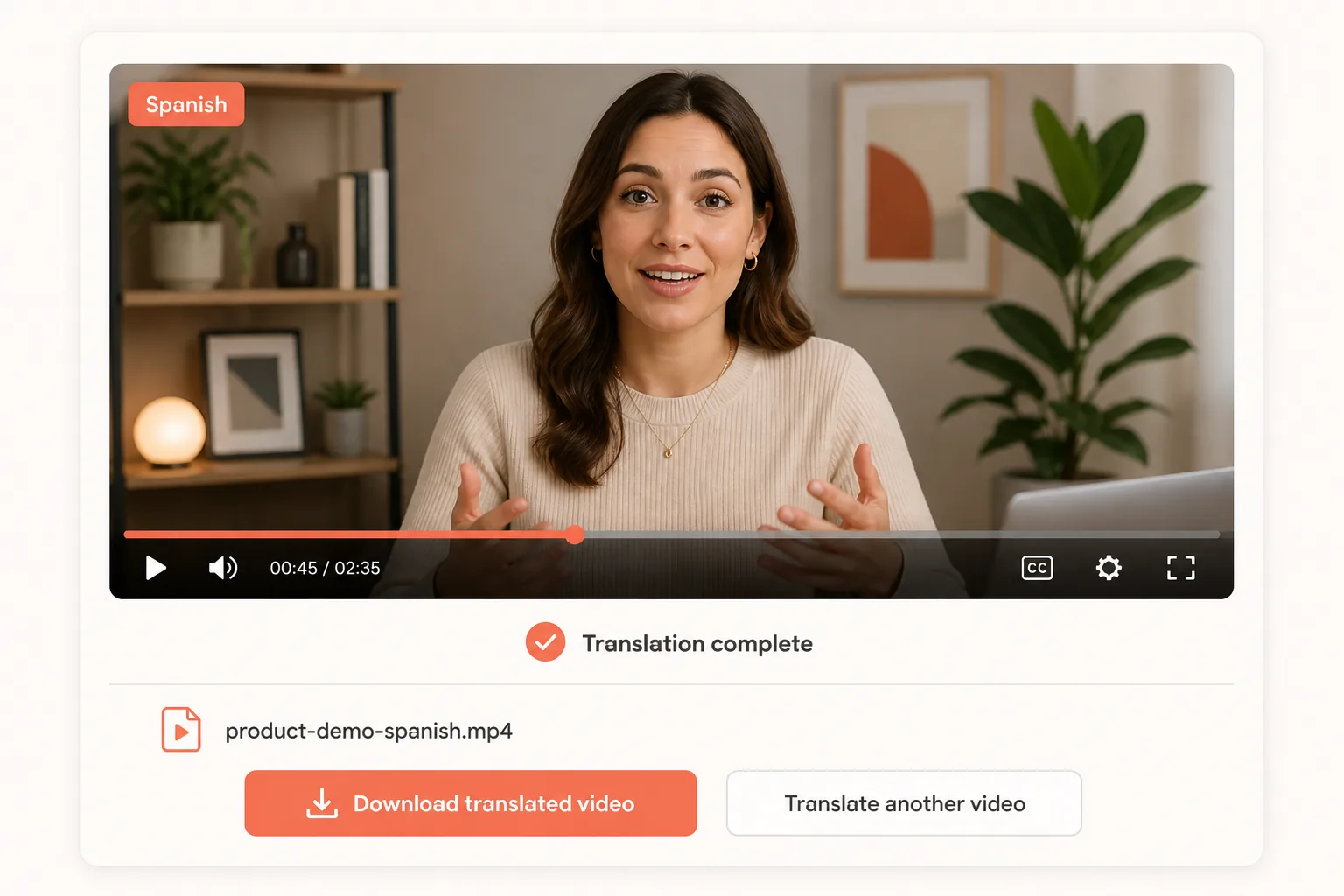
Generation does not end at a file link. Watch the translated video in your browser, check names, numbers, brand terms, and specialist vocabulary, then download the result when it is ready. Completed outputs also remain listed in your browser's recent-generation history, so you can reopen a version during review.
Use the online AI video translator in three steps, then review the translated speech and timing before downloading your video.
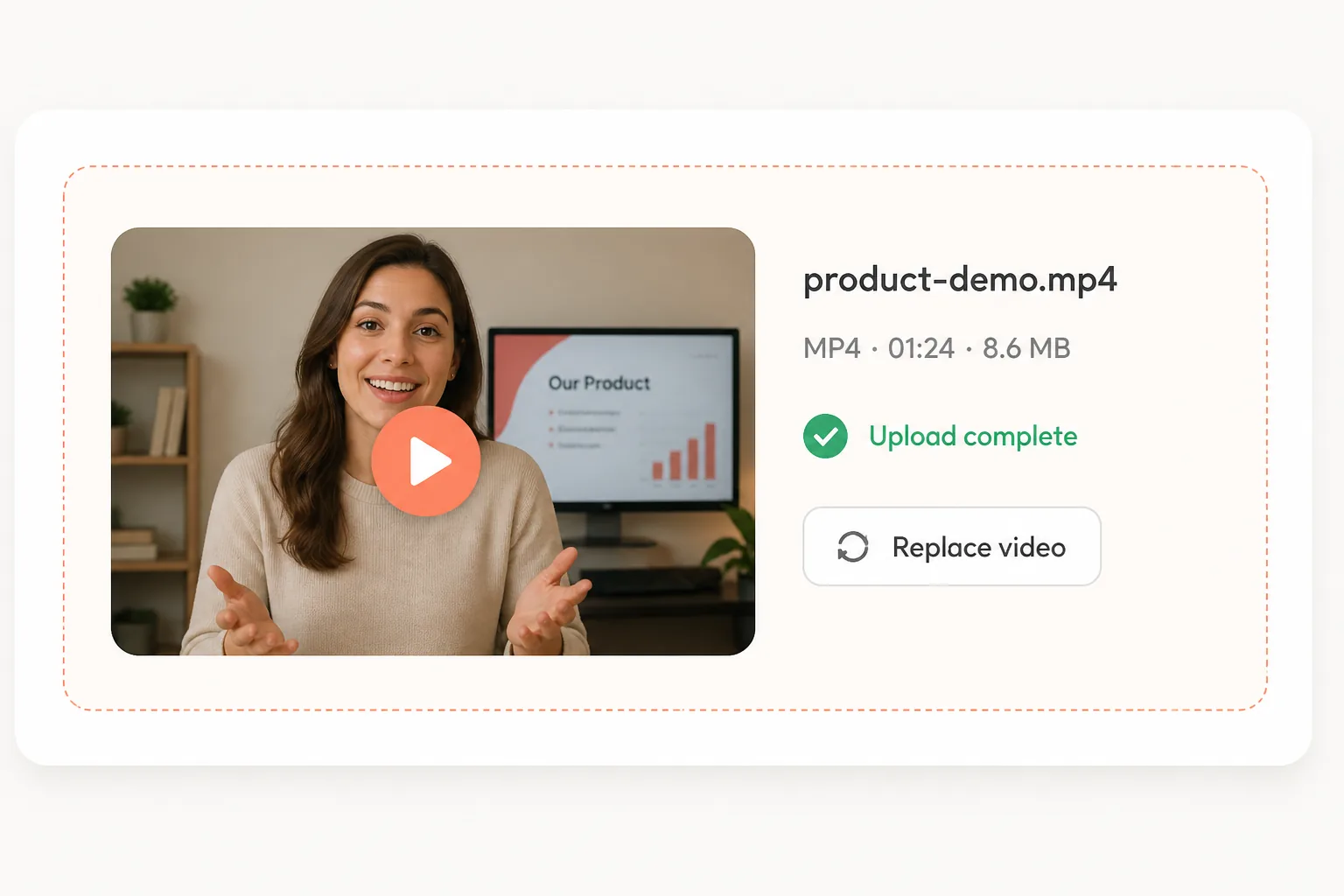
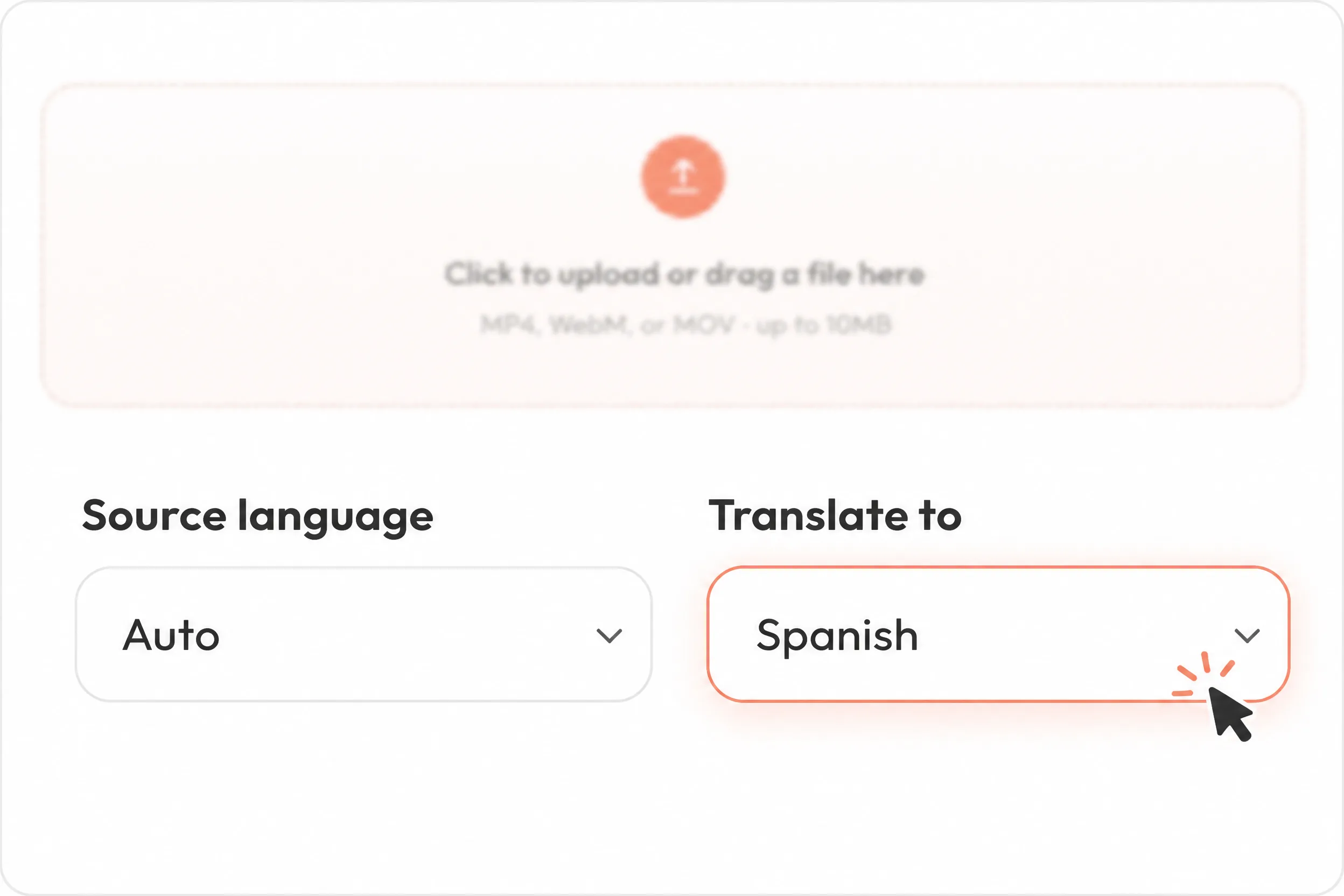
Choose an MP4, WebM, or MOV clip up to 10MB.
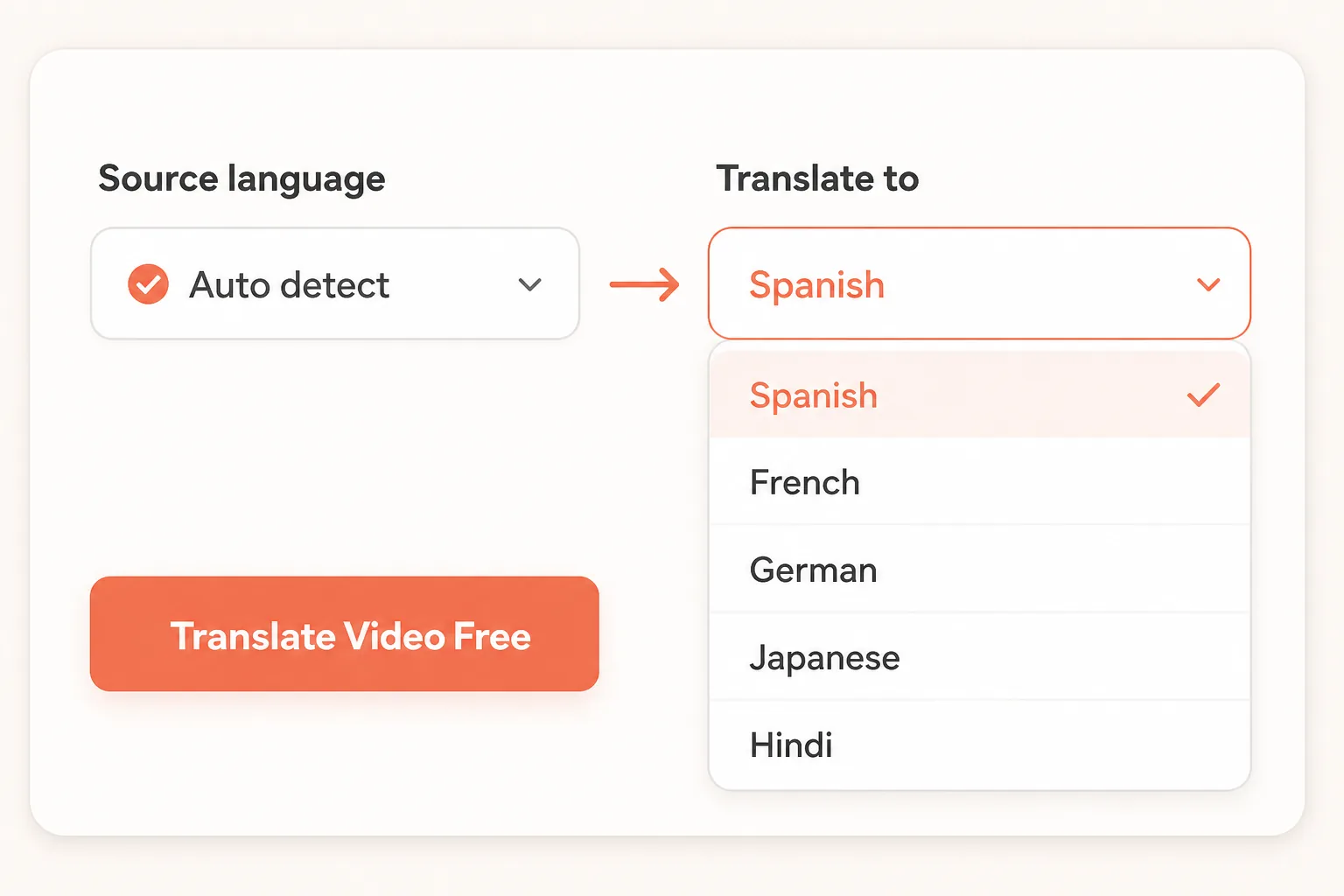
Let AI detect the source speech, then select the language for the translated video.
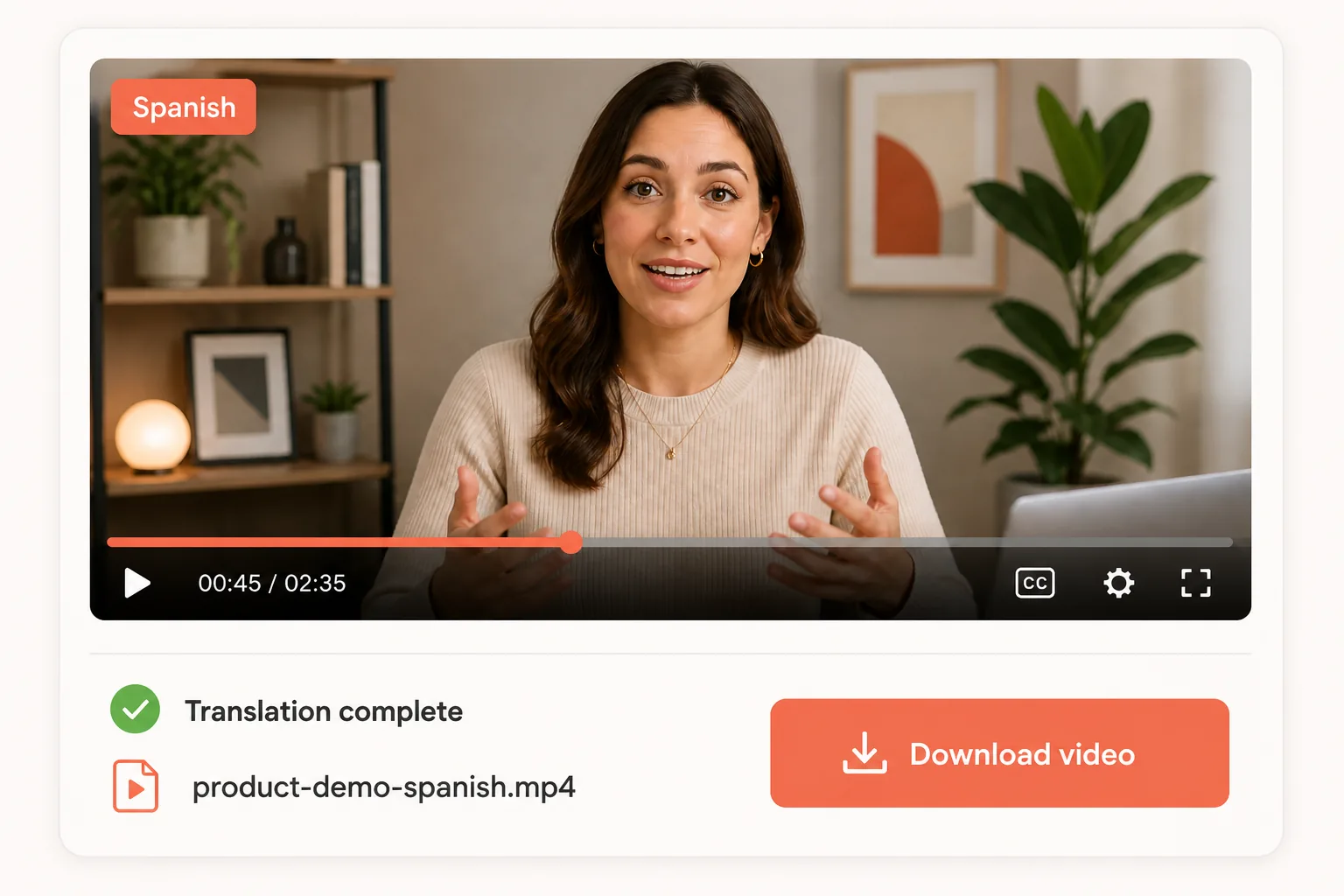
Generate the translation, review the finished video in your browser, and save the result.
Translate spoken video content for new audiences without rebuilding the original edit from the beginning.
Translate interviews, explainers, tutorials, and short-form clips for viewers in another language.
Create translated versions of lessons, walkthroughs, and onboarding videos for multilingual learners.
Localize product demos, presentations, campaign videos, and recorded company updates.
Upload a supported video up to 10MB, choose the target language, and preview the AI-translated result in your browser.
Video translation helps creators, educators, and teams prepare localized versions without rebuilding every edit from scratch.
I translate our weekly product walkthroughs from English into Spanish. I upload the final cut, check product names in the preview, and send the localized version to our LATAM team. We can now publish both versions on the same day.
My course videos need Japanese versions for learners in Tokyo and Osaka. I translate each finished lesson, review the technical terms, and download the result without reopening the edit. New modules now launch in both languages during the same release week.
I use the French translation for client onboarding videos. Keeping the original visuals and timing means I only review the spoken result instead of rebuilding every scene. That has removed a separate recording session from each localization project.
Practical comparisons, tested results, and step-by-step ideas for your next project.
Dub a complete video or translate spoken English and Spanish with dedicated language-pair tools.
Yes. New accounts receive free credits, so you can upload a short video and try the AI video translator before purchasing more generations.
The launch tool accepts MP4, WebM, and MOV video files up to 10MB. Short clips with clear speech produce the fastest first result.
The tool detects and transcribes speech, translates the dialogue, generates speech in the target language, and returns a translated video for review.
The model is designed to retain recognizable speaker characteristics and source-aware timing. Results vary with recording quality, overlapping speech, music, and background noise.
Clear speech improves translation accuracy. Review names, numbers, brand terms, and specialist vocabulary before publishing the generated video.
Uploads are associated with your authenticated account and stored under unique asset paths. Only process video you have permission to use.
Yes. When processing finishes, the translated result appears in a video player with a download link and is added to your recent generation history. To add on-screen captions afterward, use the AI Subtitle Generator for clips up to two minutes.Add subtitles to your video
 AI Dubbing
 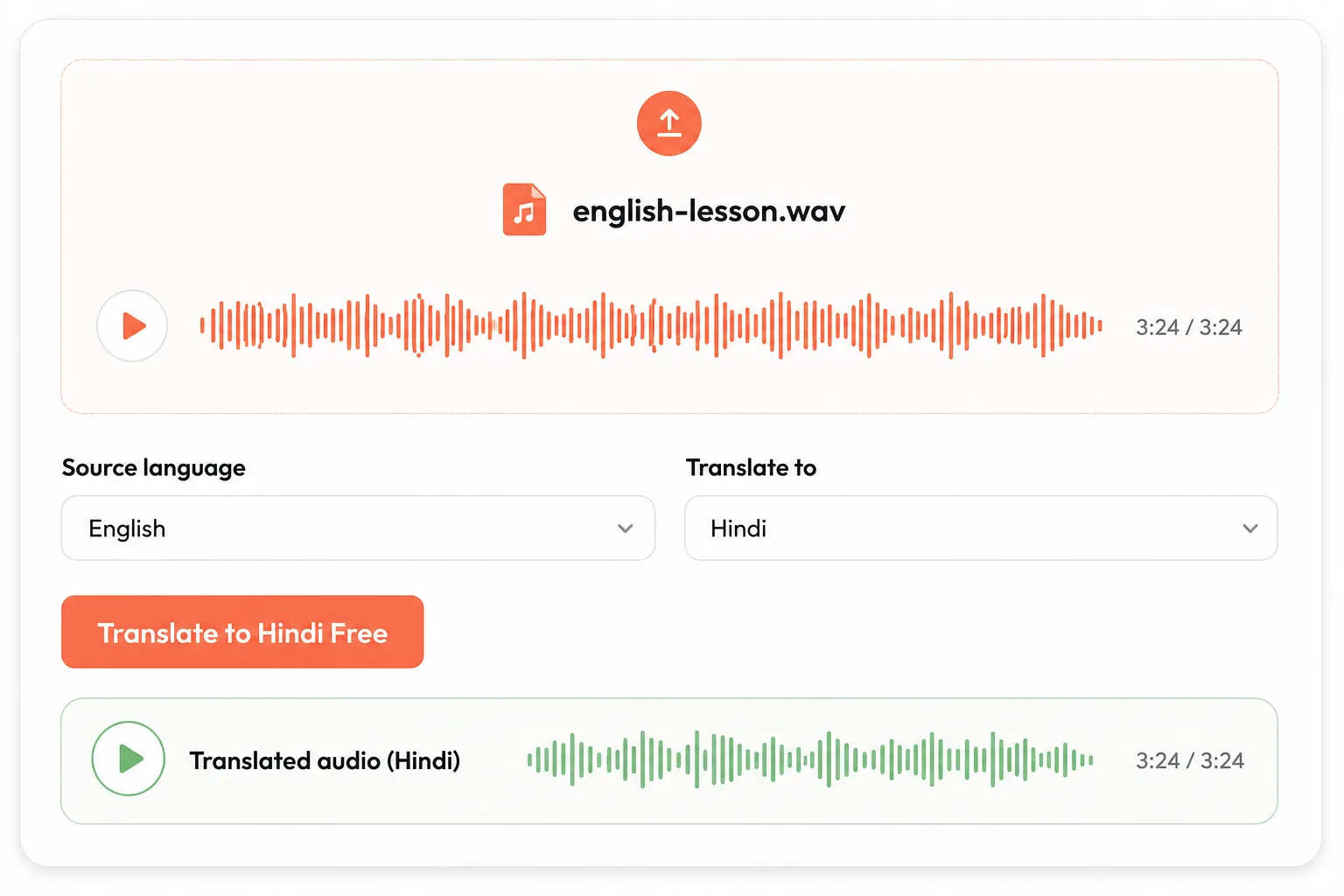 English to Hindi
 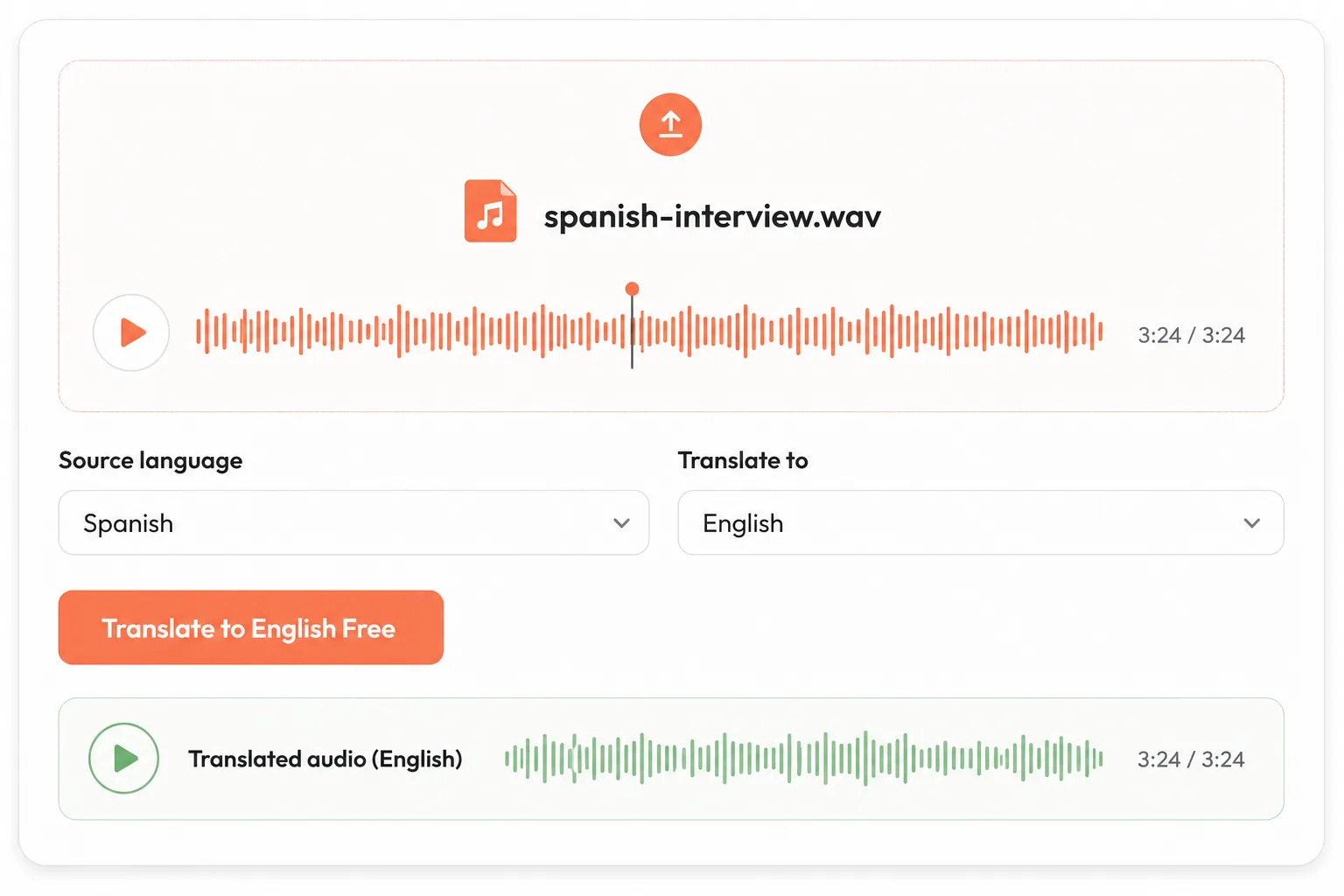 Spanish to English