AI Subtitle Generator

Add readable captions to short videos. Upload your clip, let AI transcribe the speech or upload your own SRT subtitle file, then download a captioned video.

11 credits per minute at 480p/720p; 22 credits per minute at 1080p. Minimum 60 seconds, rounded up to whole seconds and credits.

Google sign-in is required to generate. Files are processed online and deleted after 5 days. Download your results to keep them.

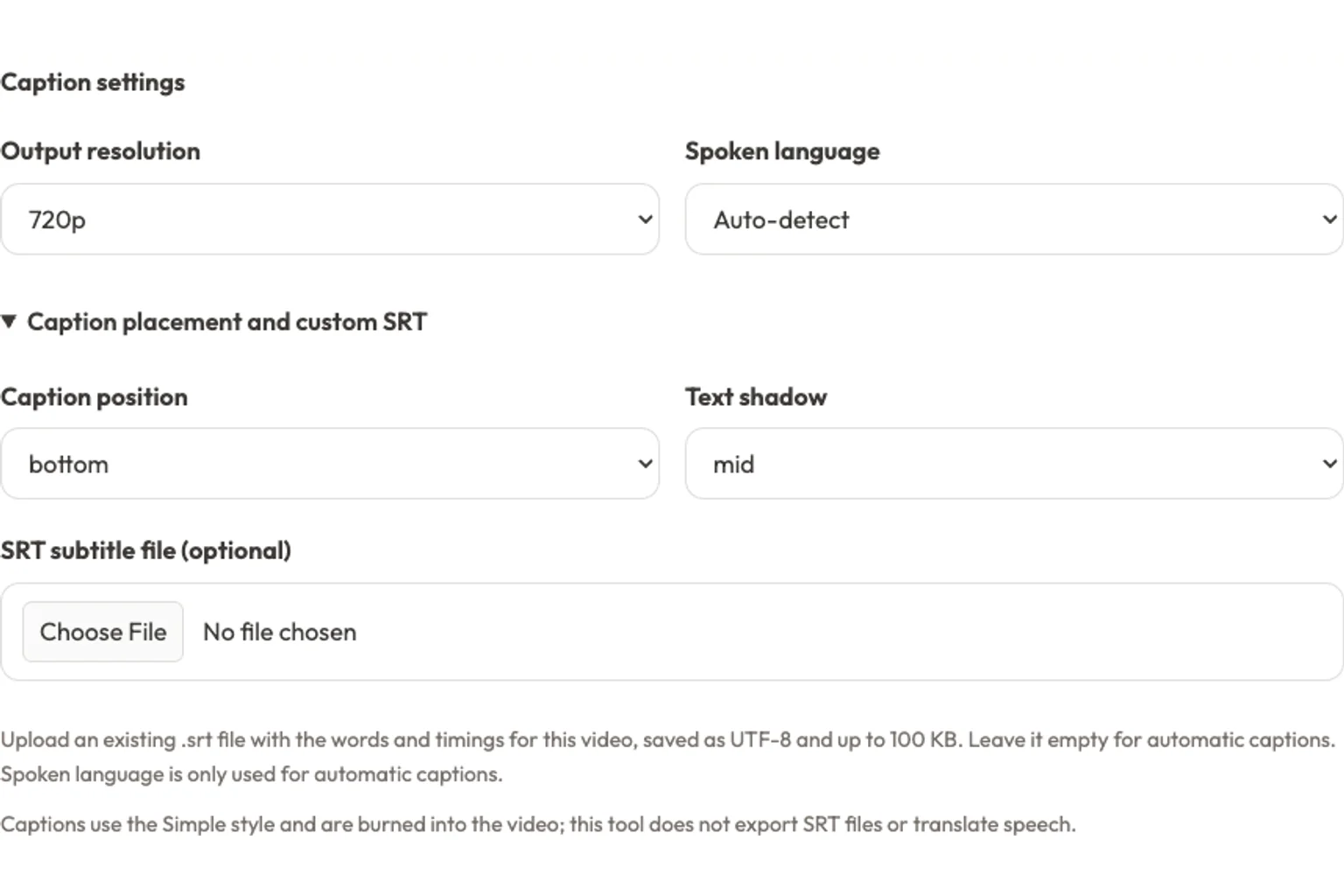
Caption settings
Caption placement and custom SRT

Upload an existing .srt file with the words and timings for this video, saved as UTF-8 and up to 100 KB. Leave it empty for automatic captions. Spoken language is only used for automatic captions.

Captions use the Simple style and are burned into the video; this tool does not export SRT files or translate speech.

See the captions

AI Subtitle Generator Example: Before and After

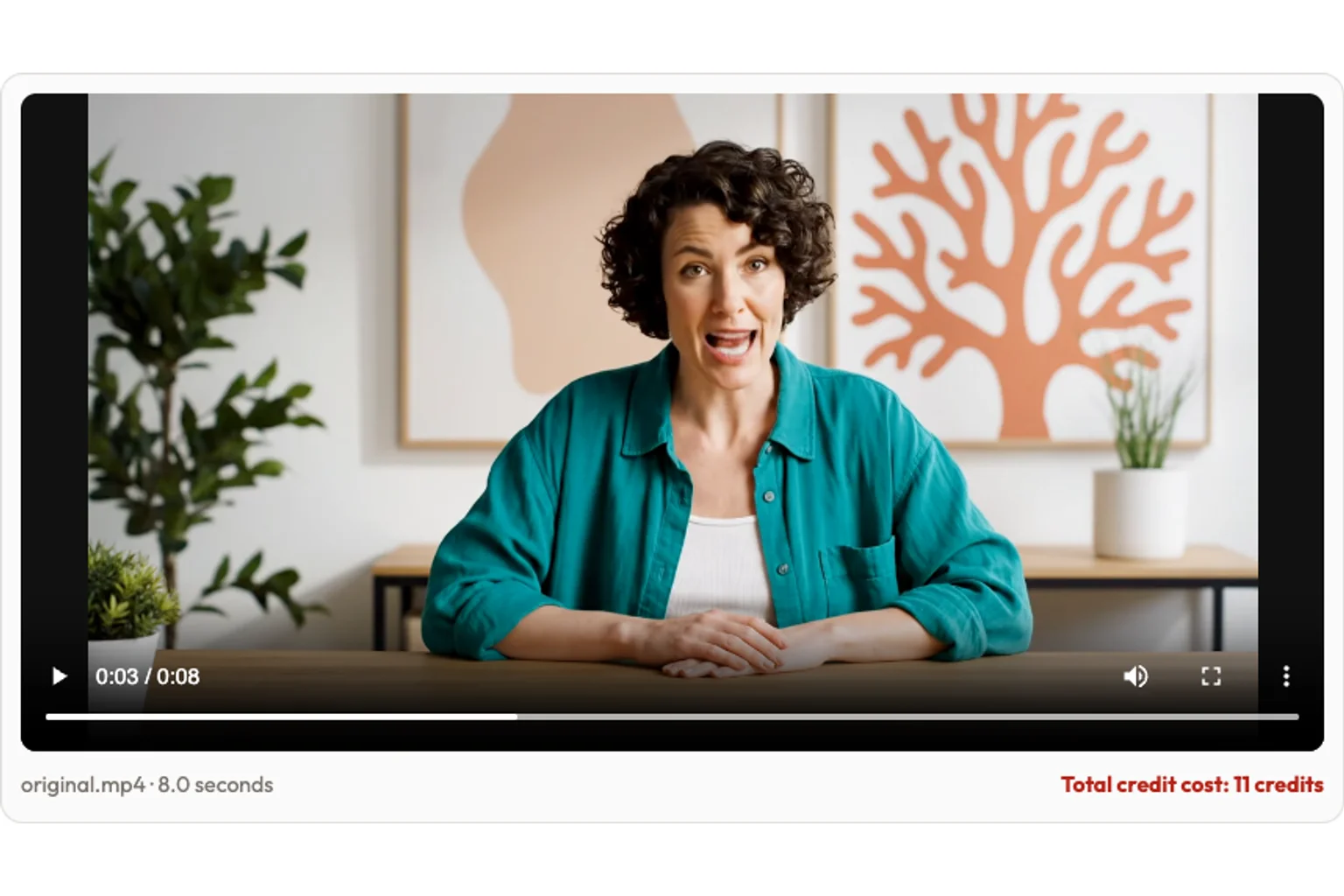
Watch an original eight-second creator demo made for this page. Compare the AI-generated source with the same video after automatic transcription and burned-in captions.

Before

Original Video Without Subtitles

After

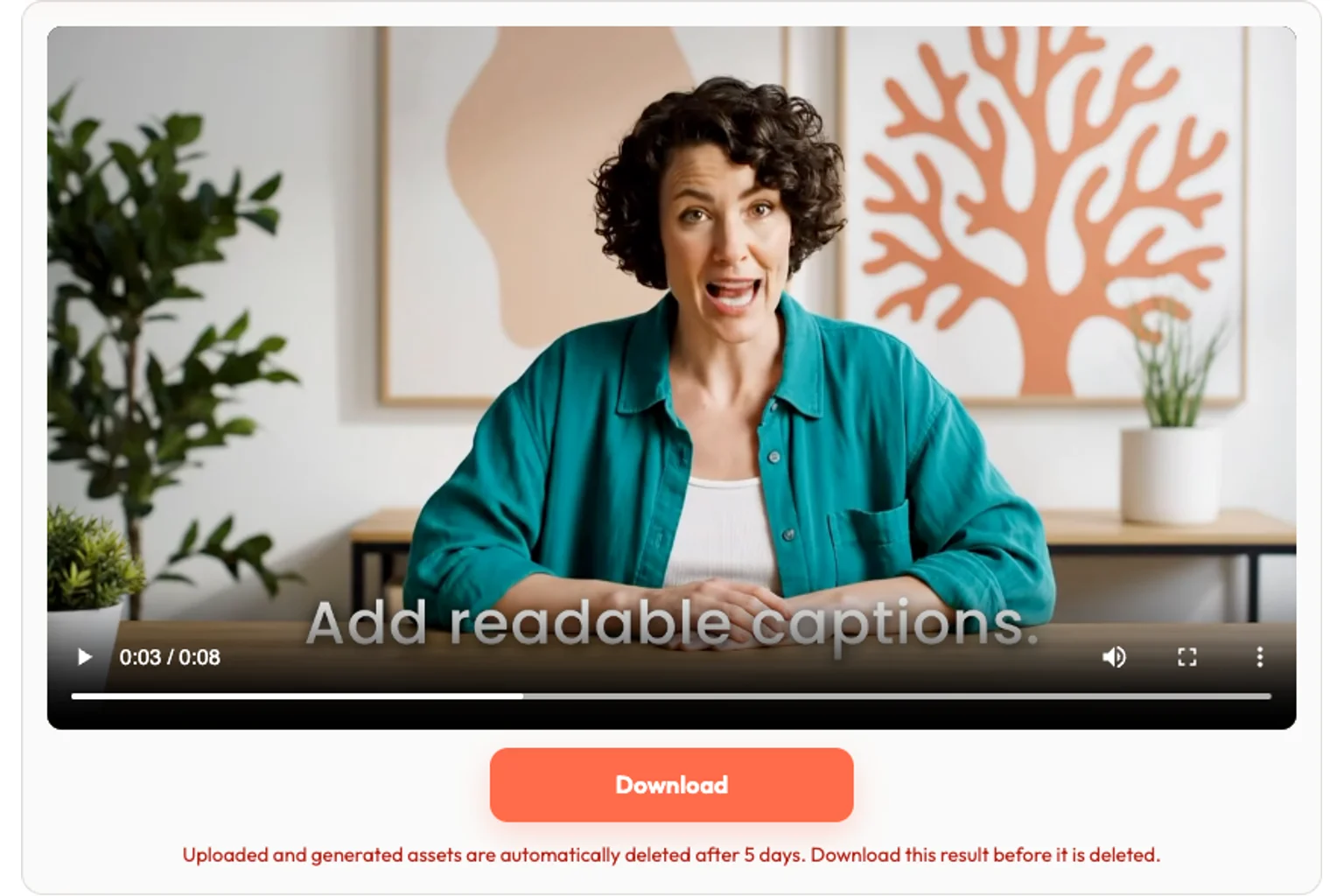
Automatically Generated Video Captions

English speech · 720p output tier · Bottom placement · Medium shadow. Generated with automatic transcription; no SRT script supplied.

Read the video transcript

Start with a clear message, add readable captions, then review the words before you share your video.

Useful by default

Why Use Our AI Subtitle Generator?

Give viewers words they can read alongside the speech, with a short workflow built around a downloadable video. Captions stay visible when the finished clip is played without sound.

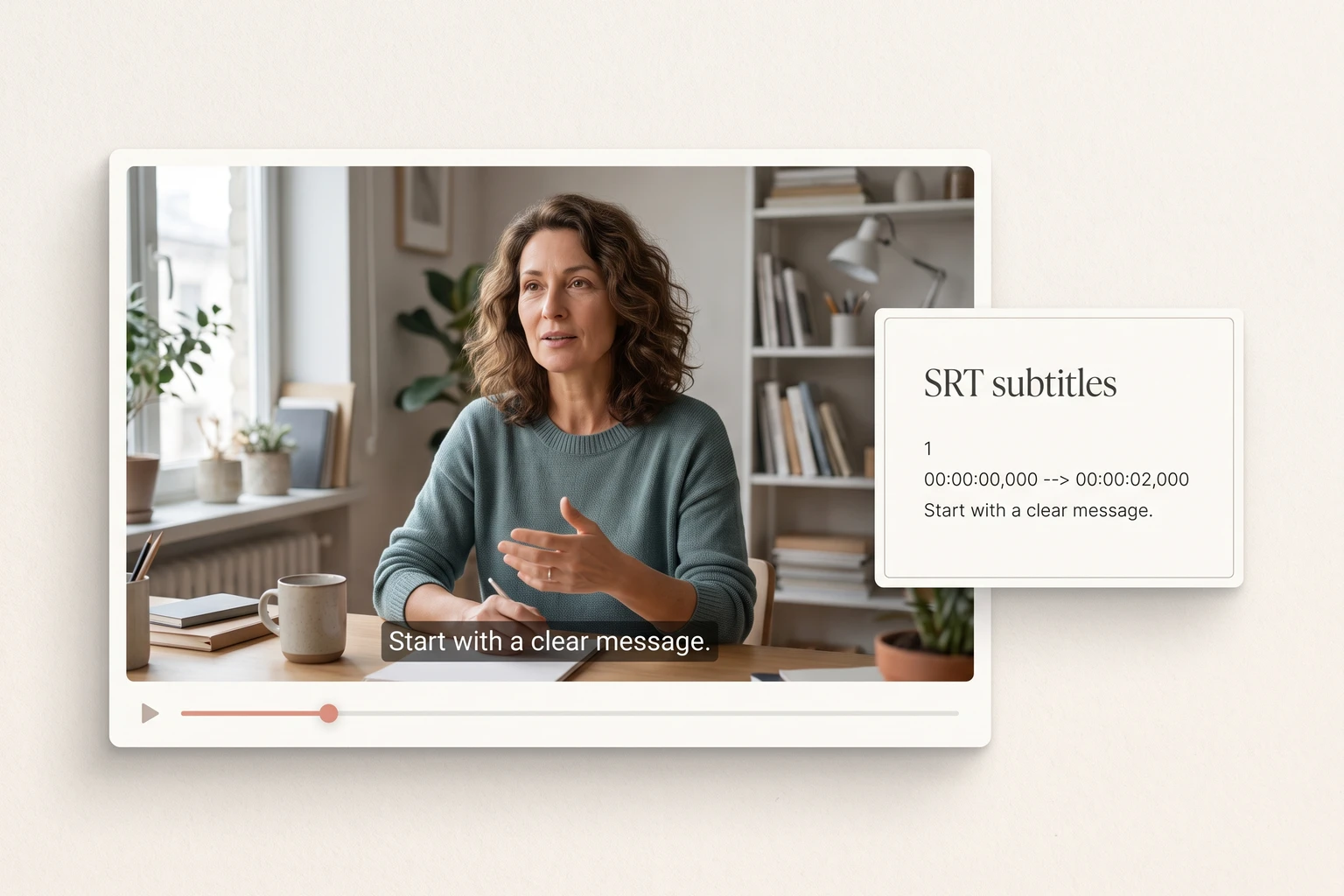
Captioning concept with a video preview beside timed SRT text
Core capability

Automatic Subtitle Generator or Your Own SRT File

Start from the spoken audio when you need a first draft. If you already have corrected subtitles, upload their SRT file instead. Review names, numbers, and technical terms before sharing an automatically transcribed result.

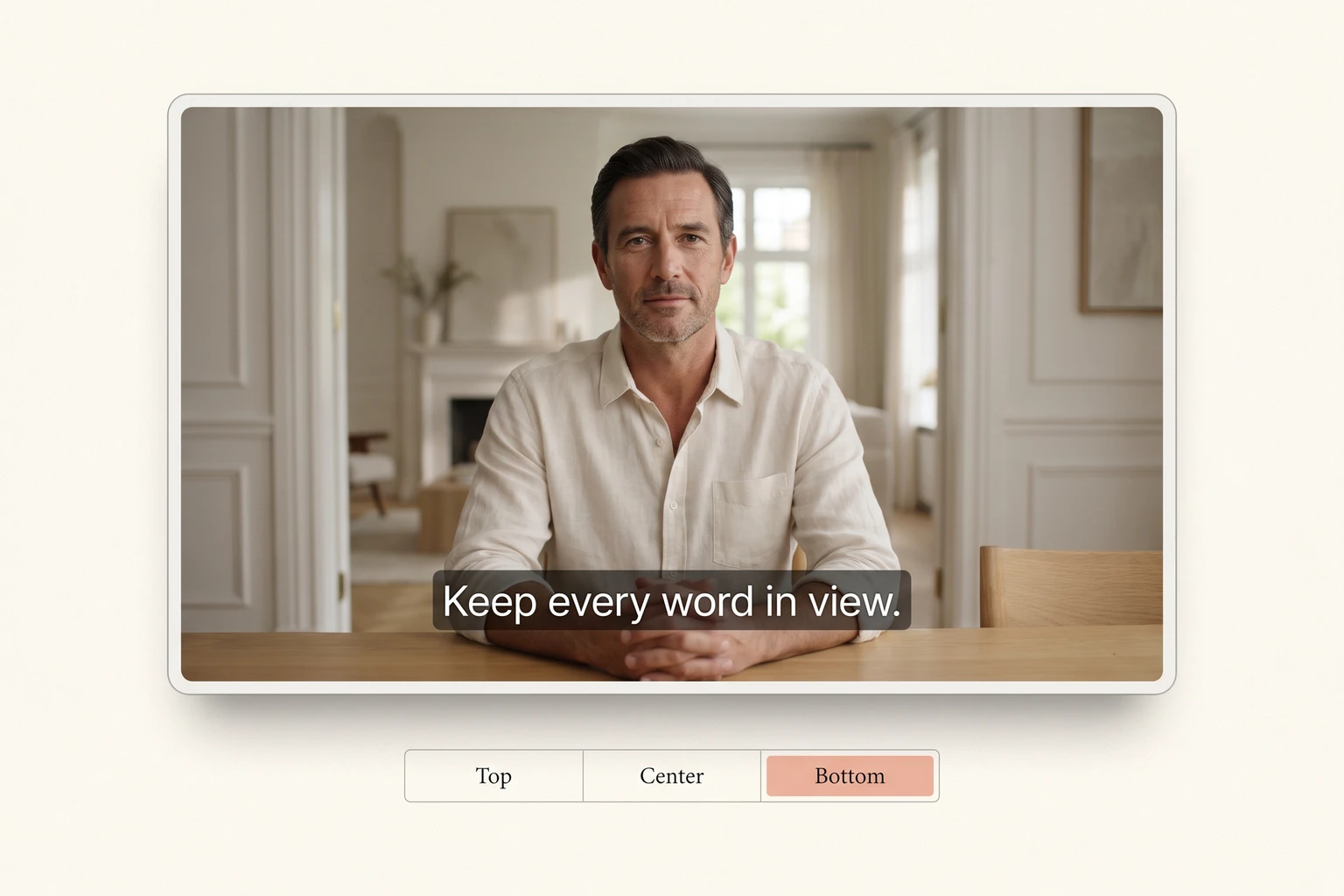
Caption placement concept showing readable subtitles below a presenter
Delivery control

Add Subtitles to Video with Readable Placement

Place the Simple-style captions at the top, center, or bottom. Adjust their shadow for readability and choose a 480p, 720p, or 1080p output tier. Keep faces, slides, and important on-screen details clear when choosing a position.

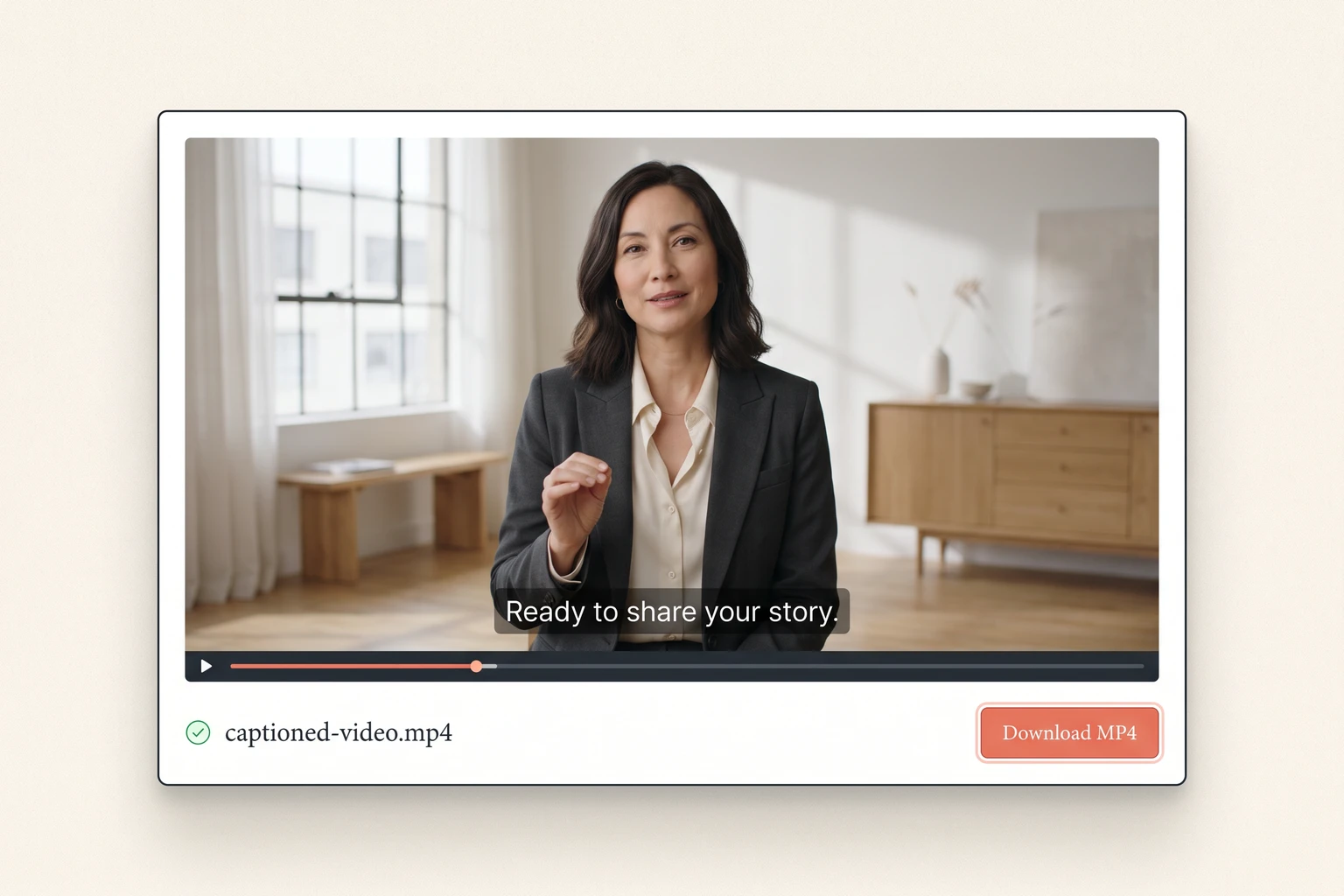
Captioned MP4 preview with a download control
Complete workflow

Burn Subtitles into Video and Download an MP4

Preview the generated MP4 and download it for your editing or publishing workflow. Subtitles are burned into the picture, so viewers do not need a separate caption file. This also means captions cannot be switched off in the exported video.

Three simple steps

How to Use the AI Subtitle Generator

Prepare a clip of up to two minutes. Trim a longer recording before uploading so the whole clip fits within the supported duration.

Uploaded video preview with its duration and 11-credit cost

1. Upload a Video for Automatic Subtitles

Upload an MP4, WebM, or MOV and preview the source. The tool reads its duration and shows the credit cost before generation.

Actual subtitle controls for resolution, spoken language, placement, shadow, and an optional SRT file upload

2. Choose Video Caption Settings or Add SRT Subtitles

Use automatic language detection or choose the spoken language. Select position, shadow, and resolution; optionally upload an SRT file for exact words and timing.

Actual captioned video result with its download button

3. Review and Download Your Captioned Video

Sign in with Google and generate the video. Watch the result for transcription or timing mistakes, then download it within five days.

Made for real work

AI Subtitle Generator for Shorts, Lessons, and Product Clips

Use short, focused videos with clear speech. Automatic transcription is a starting point that still needs a human review.

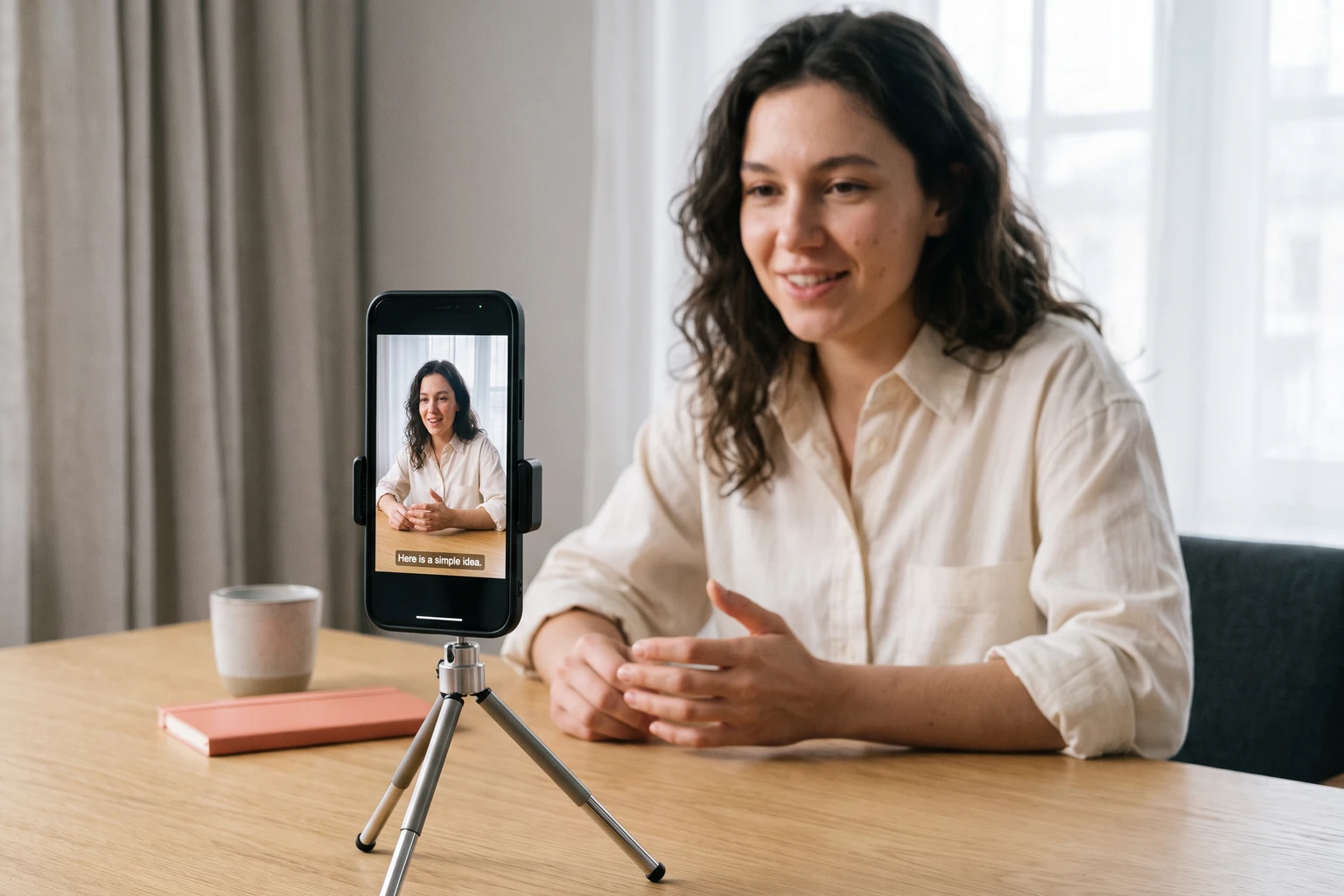
Creator recording a vertical video with captions on a phone

Video Captions for YouTube Shorts and Reels

Make a talking-head clip easier to follow when viewers have sound muted. Position captions away from faces and leave room for the interface of the platform where you will publish.

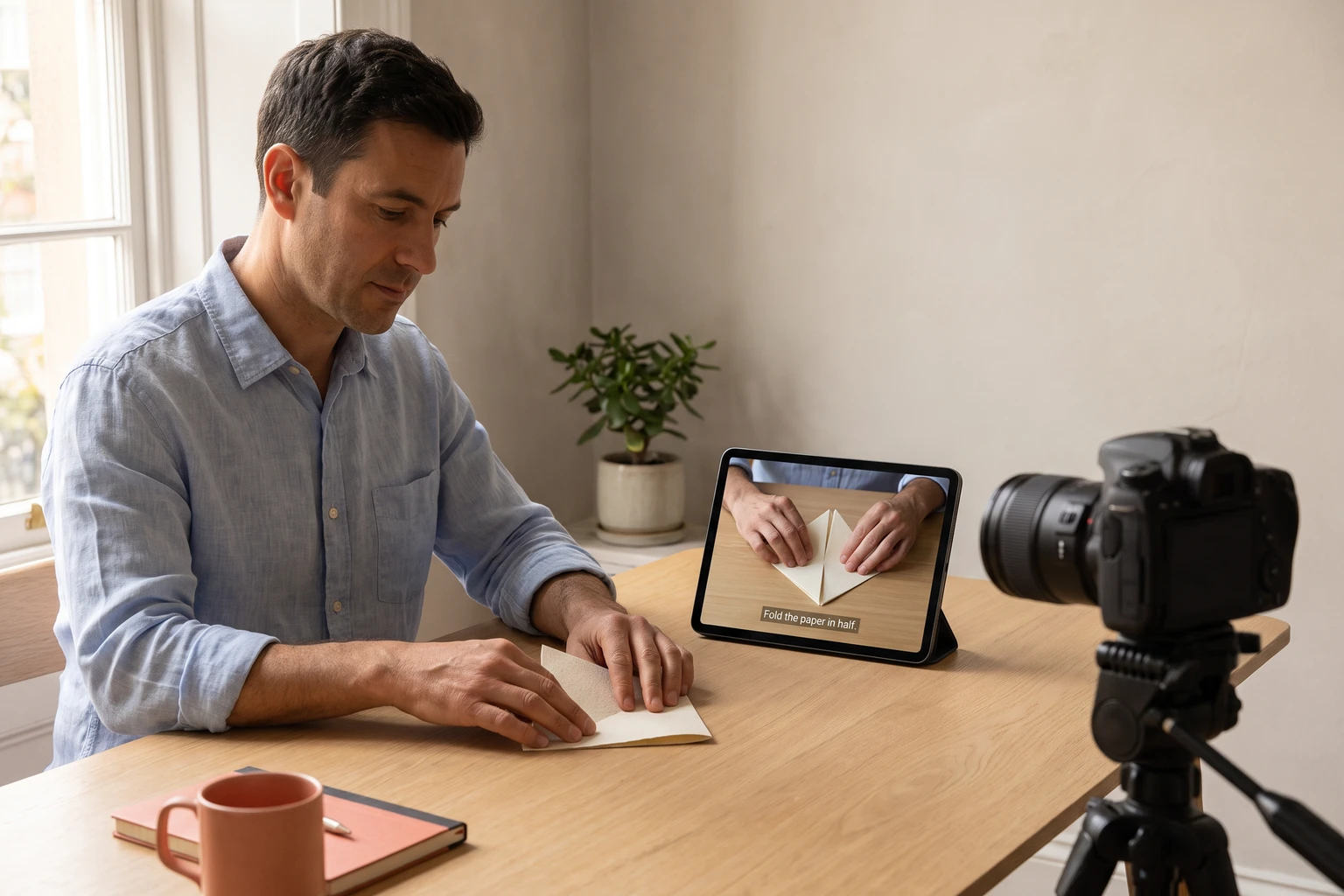
Instructor filming a hands-on lesson with subtitled tablet playback

Automatic Subtitles for Lessons and Tutorials

Add on-screen words to a short demonstration or training segment. Upload a corrected SRT file when names, safety instructions, or specialist terminology need careful handling.

Desk lamp product shoot with a captioned video preview

Video Caption Generator for Product Explainers

Caption a feature walkthrough or announcement while preserving its original spoken audio. Check that the text does not cover buttons or product details you want viewers to notice.

Try the AI Subtitle Generator on Your Next Video

Up to two minutes. The tool shows your credit cost before you start.

Generate Subtitles
Keep creating

Tools to Pair with the AI Subtitle Generator

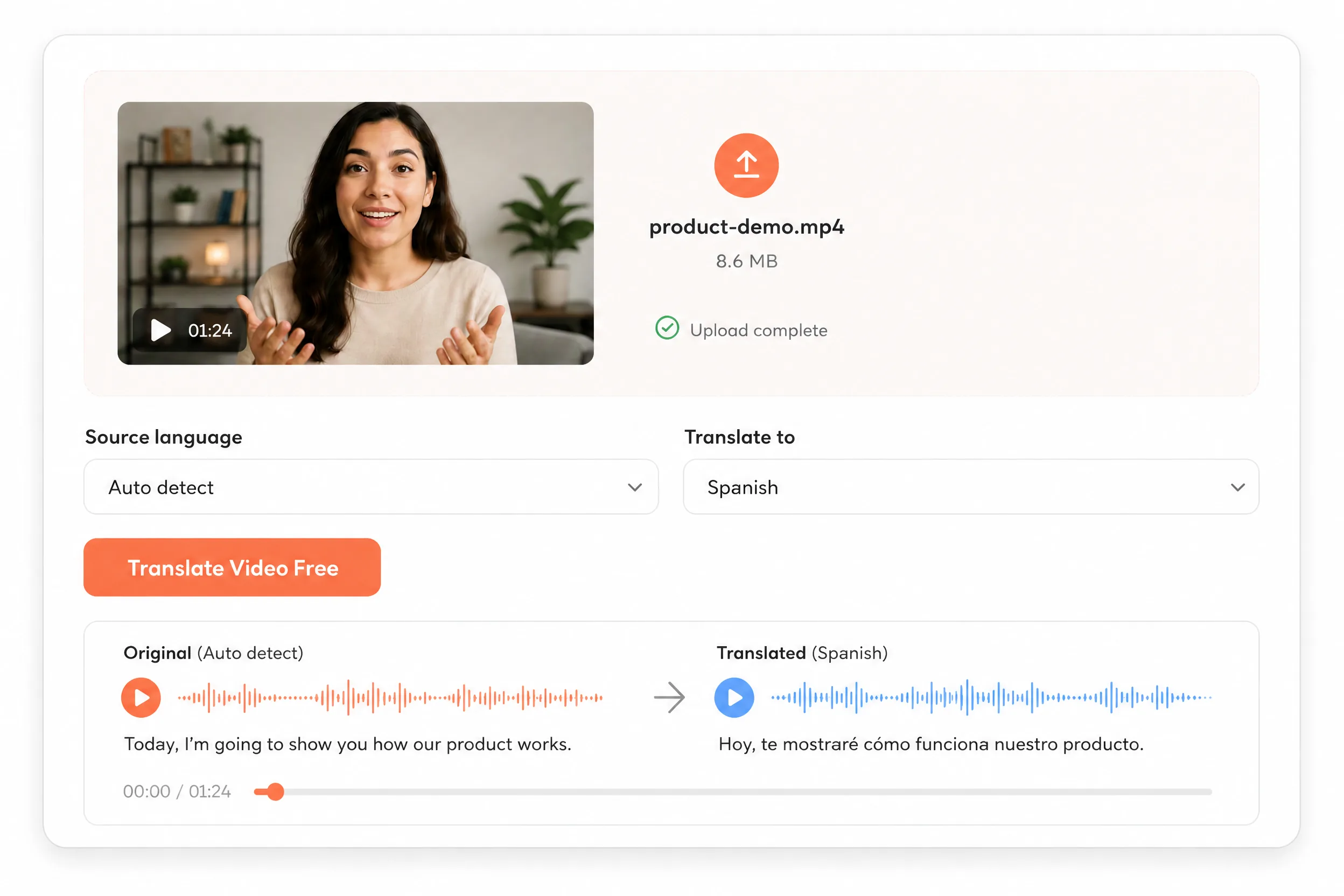
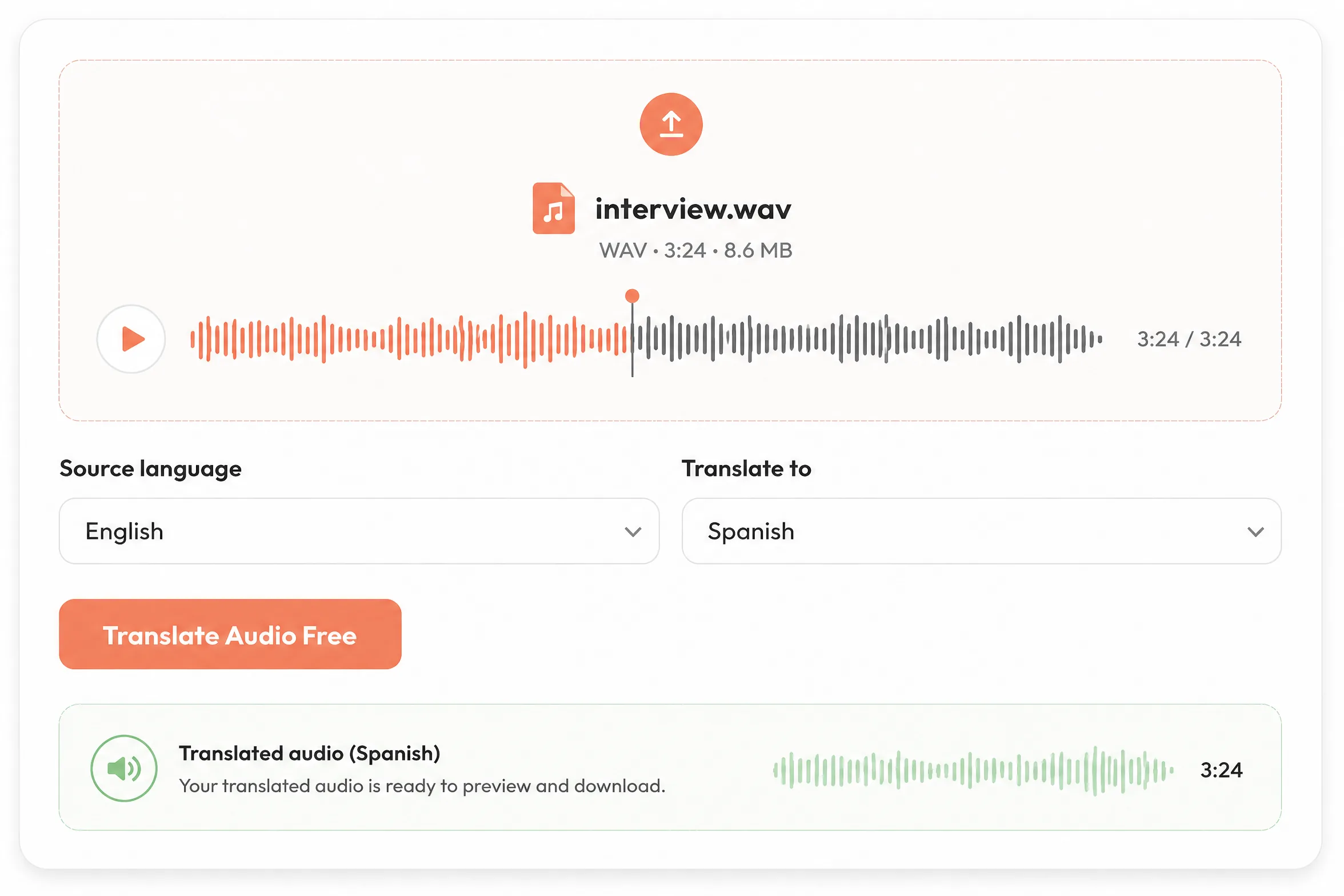
Need a different spoken language first? Use the AI Video Translator, then bring the translated clip back here to add captions.

Questions, answered

AI Subtitle Generator FAQs

How do I generate subtitles automatically?

Upload a supported video, leave the optional SRT file unselected, and choose Auto-detect or the spoken language. Select your caption settings, sign in, and generate. Preview the result to check the words and timing before downloading.

Can I use my own SRT subtitles?

Yes. Open Caption placement and custom SRT and choose an existing .srt subtitle file for your video. It must be UTF-8 text, no larger than 100 KB, with numbered captions and valid start/end timestamps. Its words and timings replace automatic transcription. Remove the file to return to automatic captions.

Does this tool translate subtitles or speech?

Automatic captions follow the language spoken in the video. The language selector guides transcription; it is not a translation target. To change the spoken language, first use the AI Video Translator.Translate video speech

Can I download an SRT file?

This tool exports an MP4 with captions burned into the picture. It does not provide an SRT download, a subtitle editor, or a switchable closed-caption track. Keep a copy of any SRT file you upload.

Which files and video lengths are supported?

Upload MP4, WebM, or MOV files up to two minutes long. Your browser must be able to read the duration. Longer clips are rejected before uploading; trim them first. Output tiers are 480p, 720p, and 1080p.

How much does the subtitle generator cost?

480p and 720p cost 11 credits per minute with a 60-second minimum; 1080p costs 22 credits per minute. Duration rounds up to whole seconds and the final charge rounds up to whole credits. For example, a 90-second 720p video costs 17 credits, or 33 credits at 1080p. Google sign-in and sufficient credits are required.

Will AI captions always be accurate?

No. Background music, overlapping speakers, accents, and unclear audio can cause mistakes. Review every result, especially names and numbers. For wording that must be exact, upload a checked SRT file and generate from that.

How long are my videos available?

Uploads and generated files are processed online and automatically deleted after five days. Download your finished MP4 before then. Only upload content you have permission to process.File handling and privacy