Free AI Audio Translator

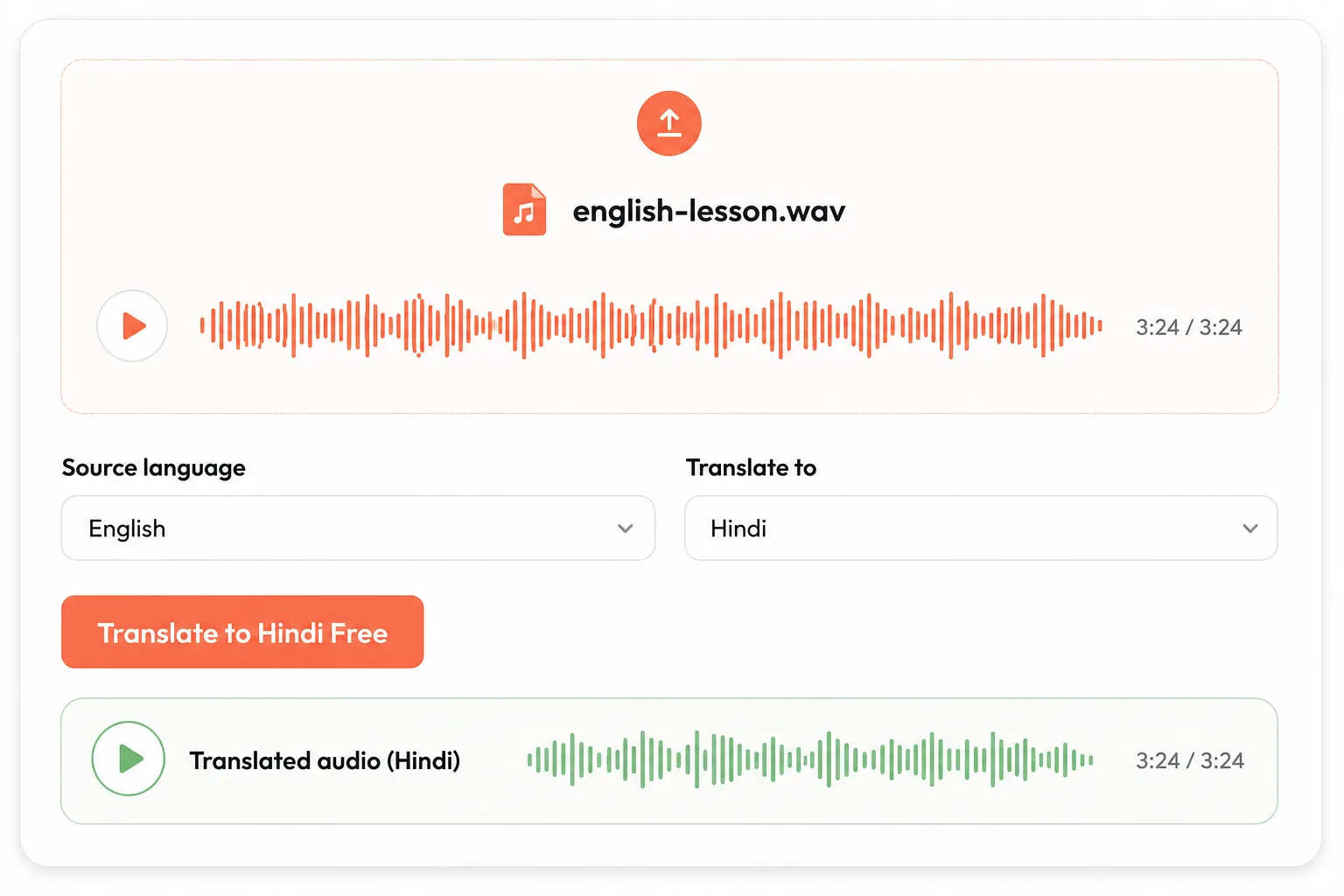
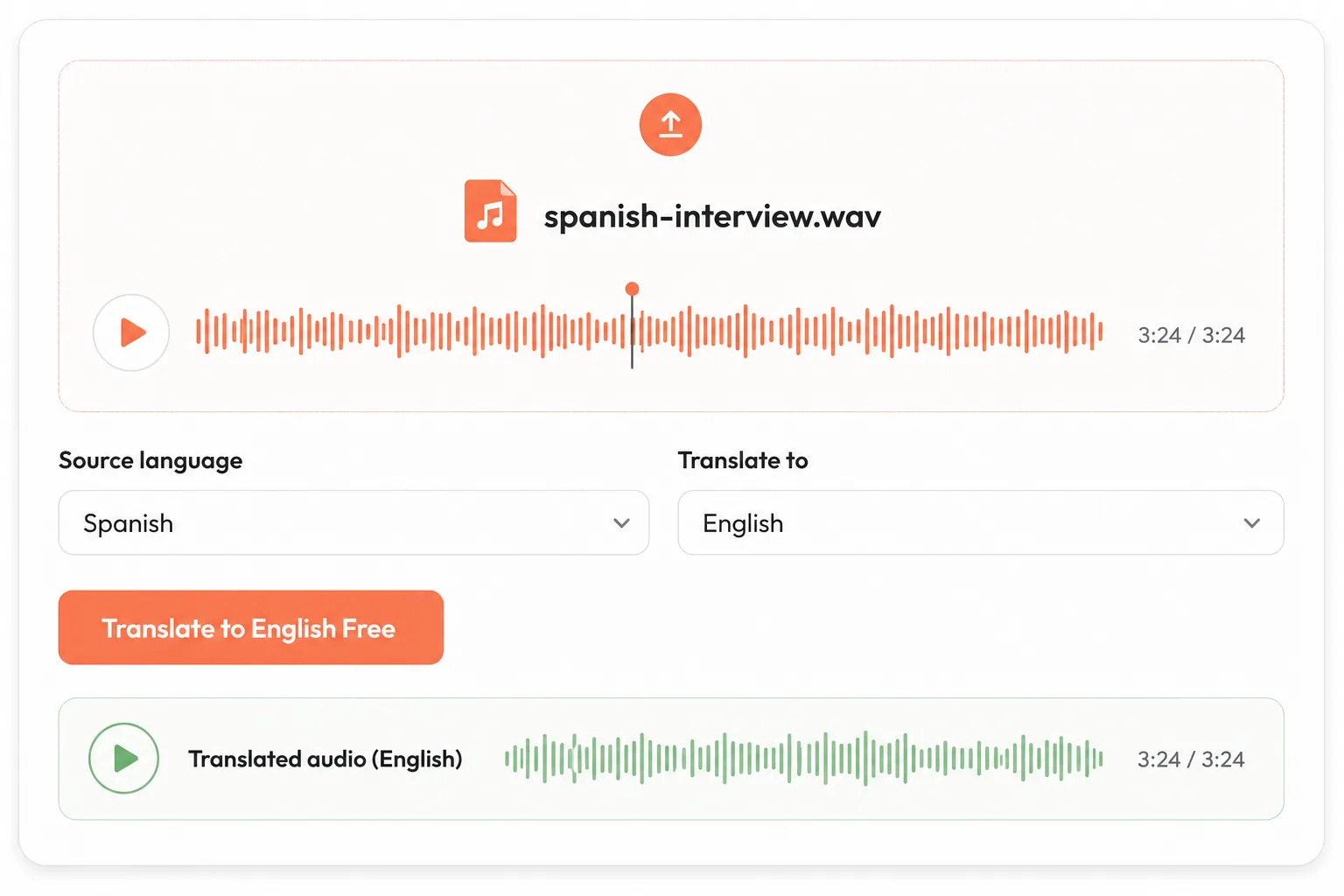
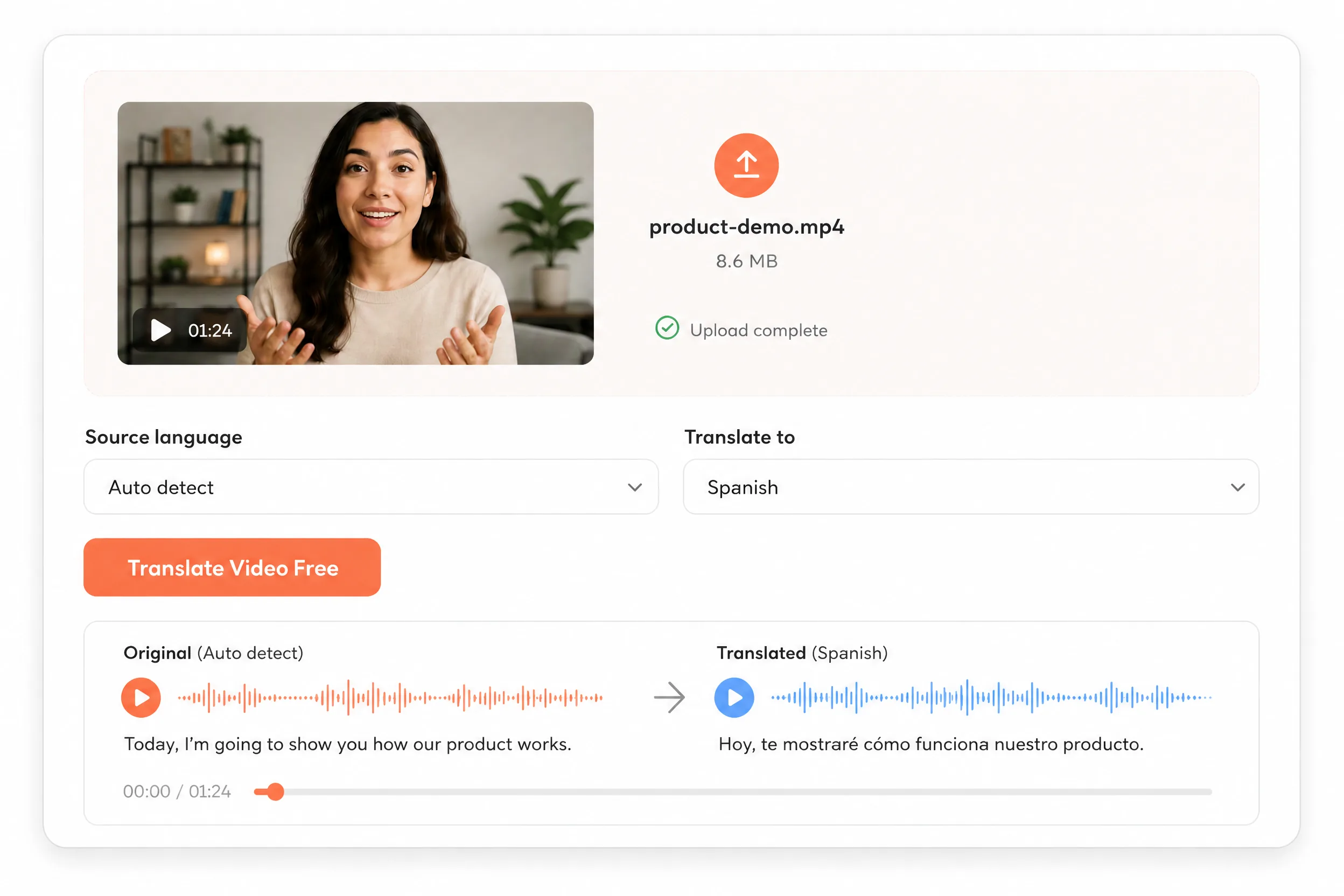
Translate audio and voice recordings into 20+ languages. Upload an MP3 or WAV file, choose the target language, then preview and download the translated speech.

This tool costs 3 credits per second of provided audio.

Source language is detected automatically.

Audio translator examples

AI Audio Translator Examples in Multiple Languages

Play one English community announcement, then switch among five voice-cloned translations to compare meaning, pacing, and delivery from the same source.

Original audio

Original English community announcement

A short source recording created with a synthetic, consent-safe voice and reused for every translated-language comparison.

English
Read transcript

Welcome to the Greenway Community Center. This Saturday, we’re hosting a free workshop on saving energy at home. Bring your questions, meet your neighbors, and join us at ten in the morning.

Choose a translated language
Translated audio

Spanish translated audio

The English announcement translated into natural Spanish while retaining the same synthetic speaker identity.

Spanish
Read transcript

Bienvenidos al Greenway Community Center. Este sábado ofreceremos un taller gratuito sobre cómo ahorrar energía en casa. Traigan sus preguntas, conozcan a sus vecinos y acompáñennos a las diez de la mañana.

One English recording, one translated result at a time. Select a language to change the preview.

Useful by default

Why Use Our AI Audio Translator?

Choose our AI audio translator when you need a spoken result, not only translated text. One browser workflow handles transcription, translation, generated speech, review, and download while keeping formats, file limits, the target-language choice, and output-quality expectations visible.

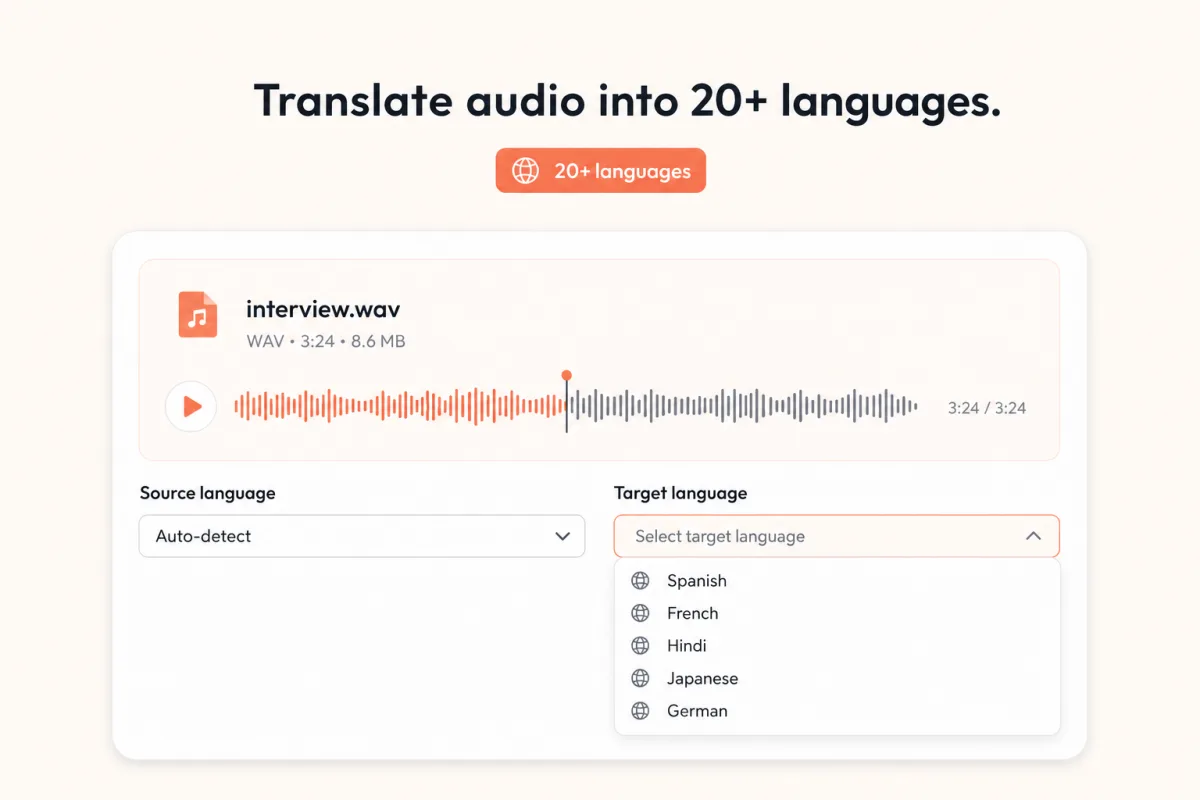
AI audio translator target-language menu with Spanish, French, Hindi, Japanese, and German options
Language coverage

Translate Audio into 20+ Languages

Upload one recording and let the AI audio translator detect the spoken source language automatically. Then select the target language for podcasts, lessons, interviews, product explanations, and internal updates—without producing a new source recording for every audience.

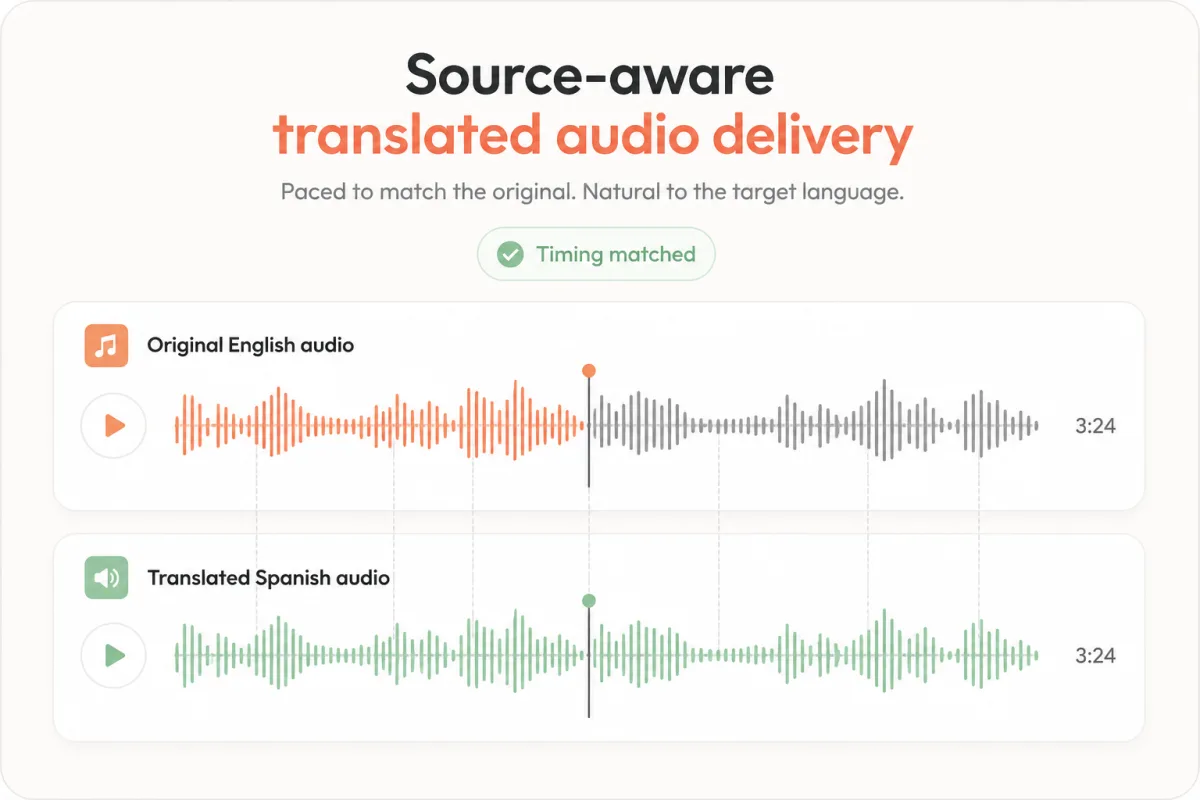
Original English and translated Spanish audio waveforms aligned to matching timing markers
Natural delivery

Preserve Pacing and Familiar Speaker Characteristics

The dubbing model transcribes the recording, translates the message, and generates new speech around the source timing instead of returning only a transcript. This helps pauses and delivery remain recognizable. Clear, single-speaker recordings produce the most reliable result; overlapping voices, music, and background noise can reduce consistency.

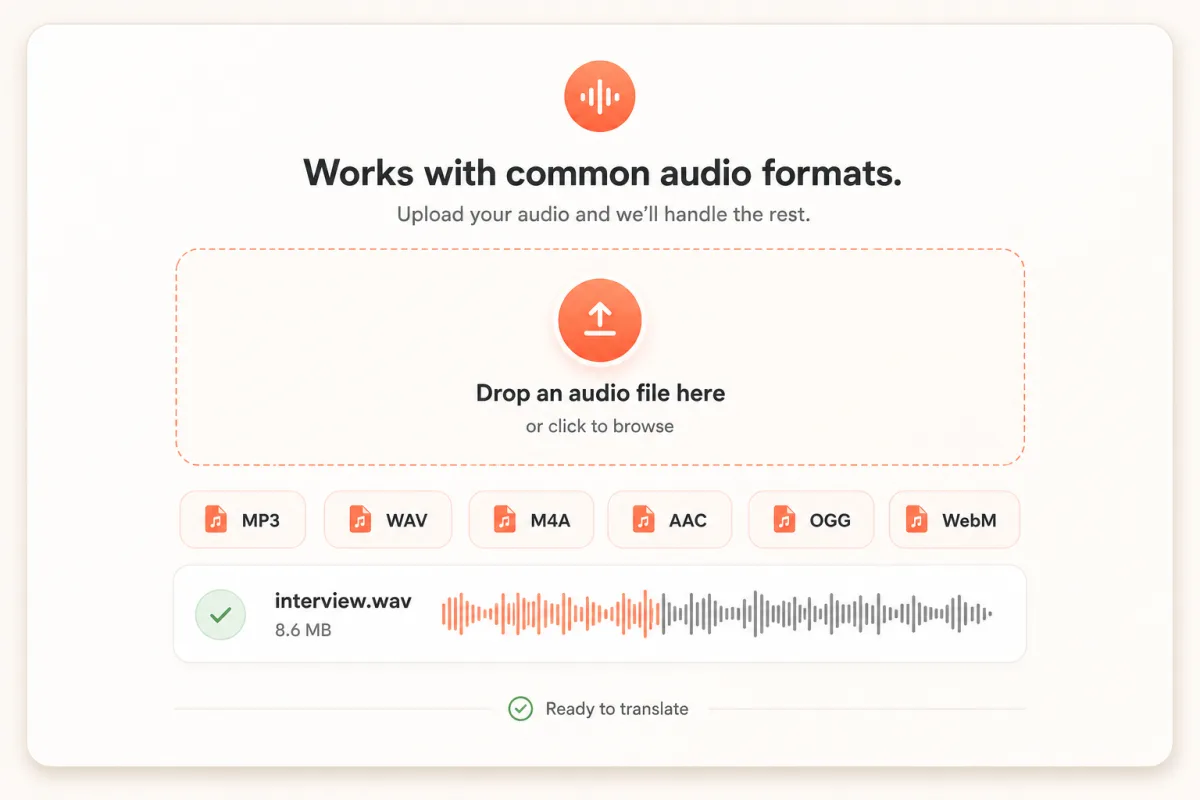
Audio upload interface listing MP3, WAV, M4A, AAC, OGG, and WebM formats
Browser workflow

Go from MP3 or WAV Upload to Preview and Download

Keep the full AI audio translator workflow on one page: upload MP3, WAV, M4A, AAC, OGG, or WebM audio up to 10MB, choose the target language, generate, preview, and download. Recent outputs stay listed in your browser's generation history, making it easier to reopen a result without repeating the setup.

Three simple steps

How to Use the AI Audio Translator

Move from a source recording to downloadable translated speech in three clear steps, without combining separate transcription and voice tools.

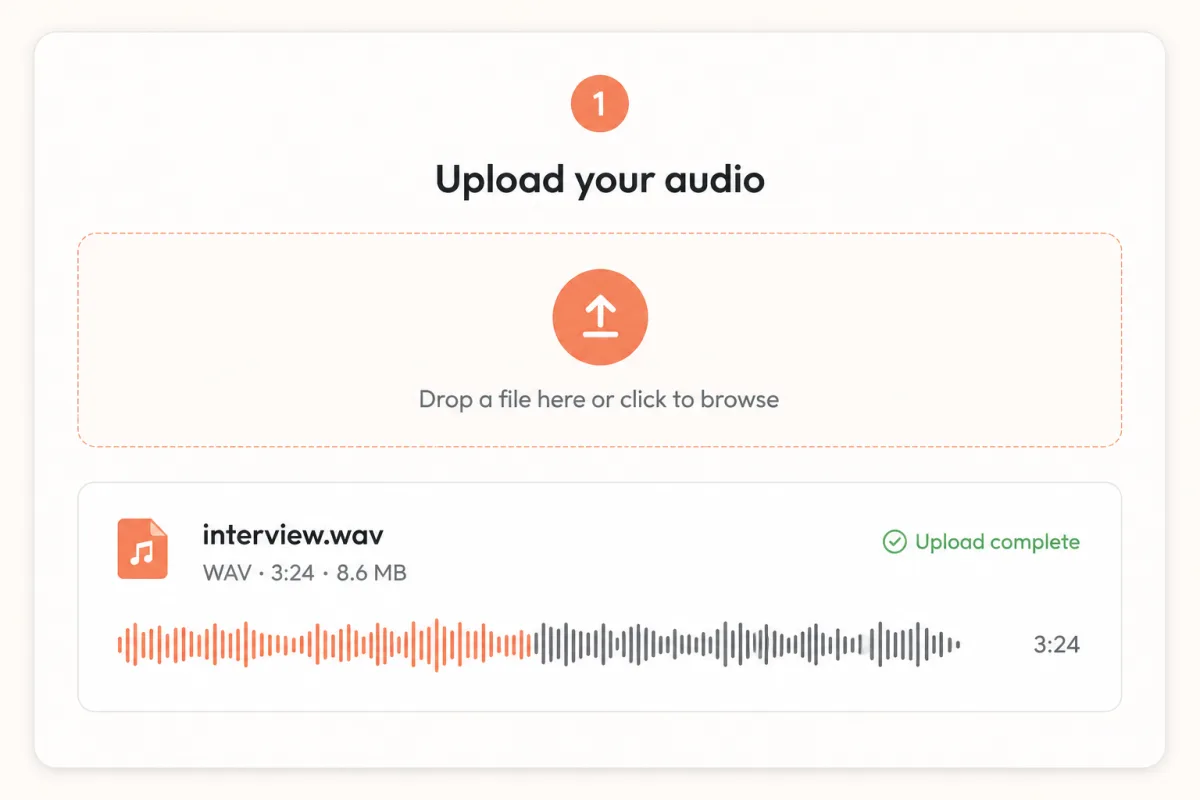
Step 1 audio upload interface with interview.wav uploaded successfully

Upload your audio

Choose an MP3, WAV, M4A, AAC, OGG, or WebM recording up to 10MB.

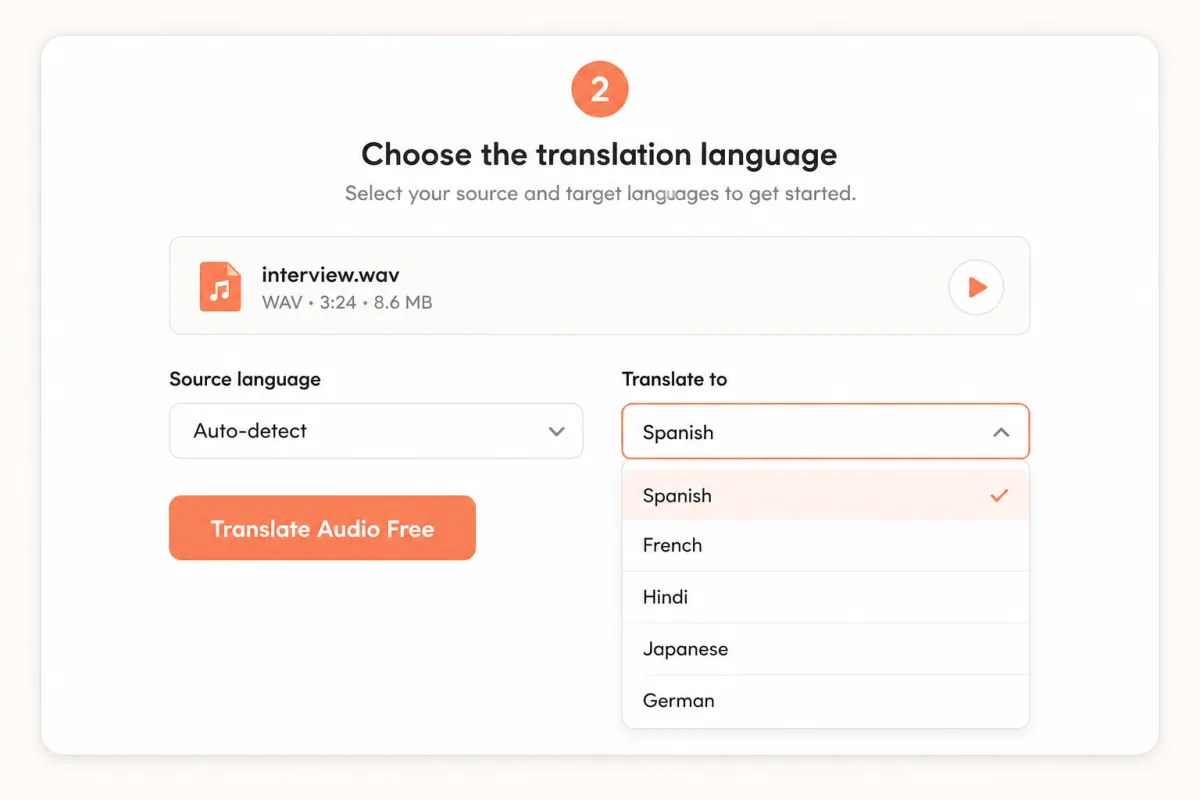
Step 2 audio translator controls with automatic source detection and Spanish selected

Choose the target language

Let AI detect the source speech, then select the language you want listeners to hear.

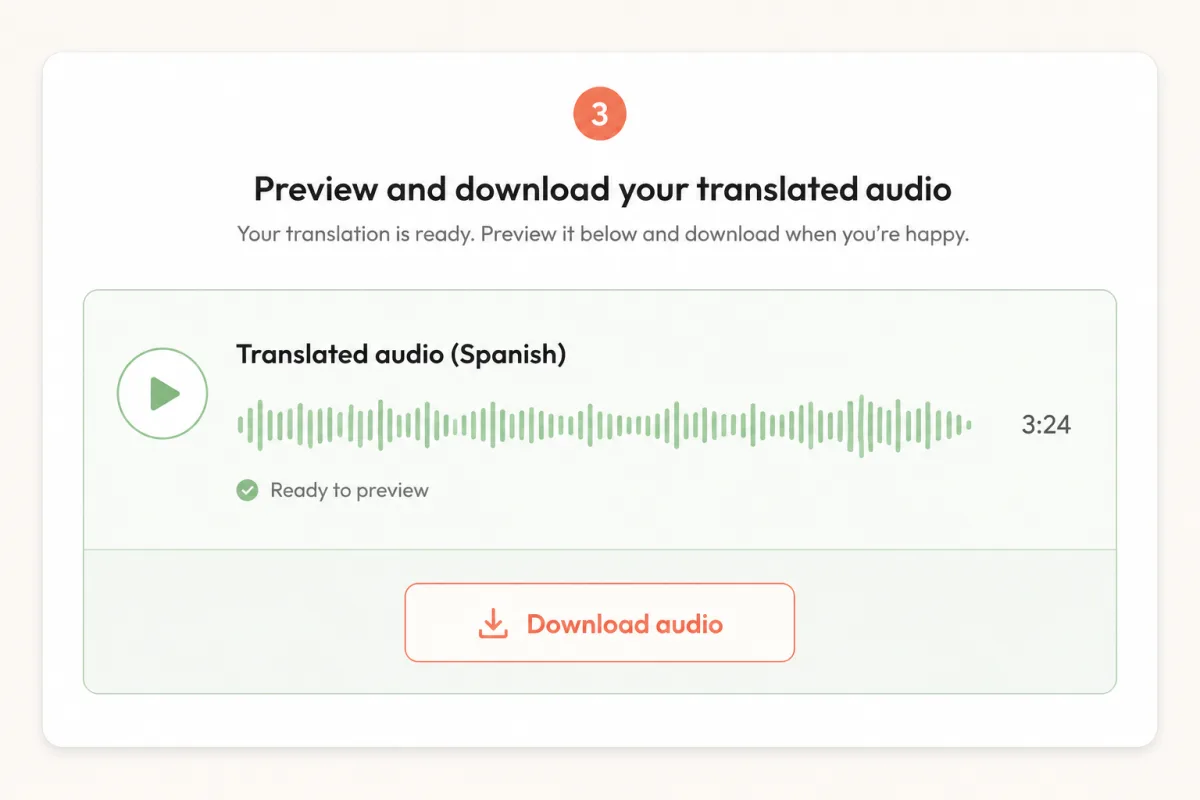
Step 3 translated Spanish audio result with preview and download controls

Preview and download

Generate the translated voice, review names and specialist terms, then save the finished audio.

Made for real work

For Podcasts, Learning, and Business

Use the AI audio translator to prepare spoken content for listeners, learners, customers, and distributed teams without recording every language version from the beginning.

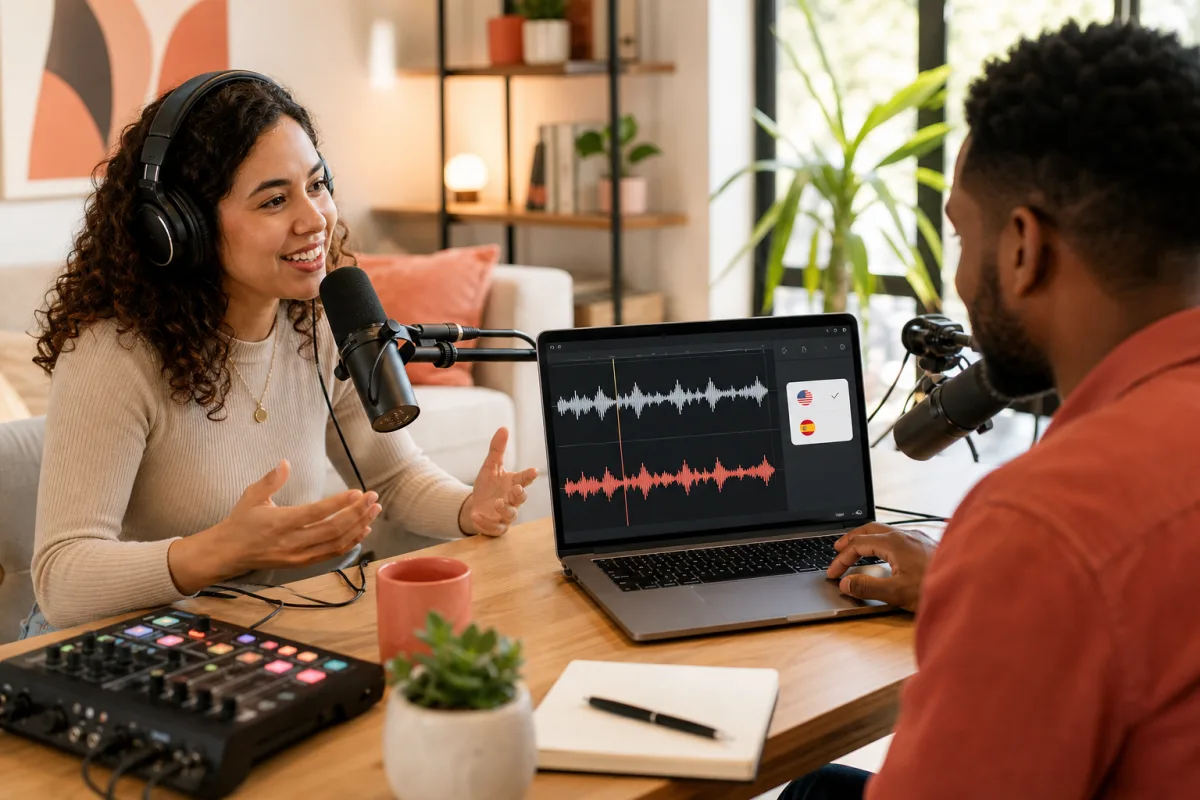
Podcast creators reviewing original and translated audio waveforms during an interview recording

Podcasts and interviews

Translate podcast excerpts, discussions, and recorded interviews for listeners in another language.

Educator and learner reviewing two translated lesson audio tracks on a laptop

Education and training

Create translated audio for lessons, tutorials, onboarding, and internal knowledge recordings.

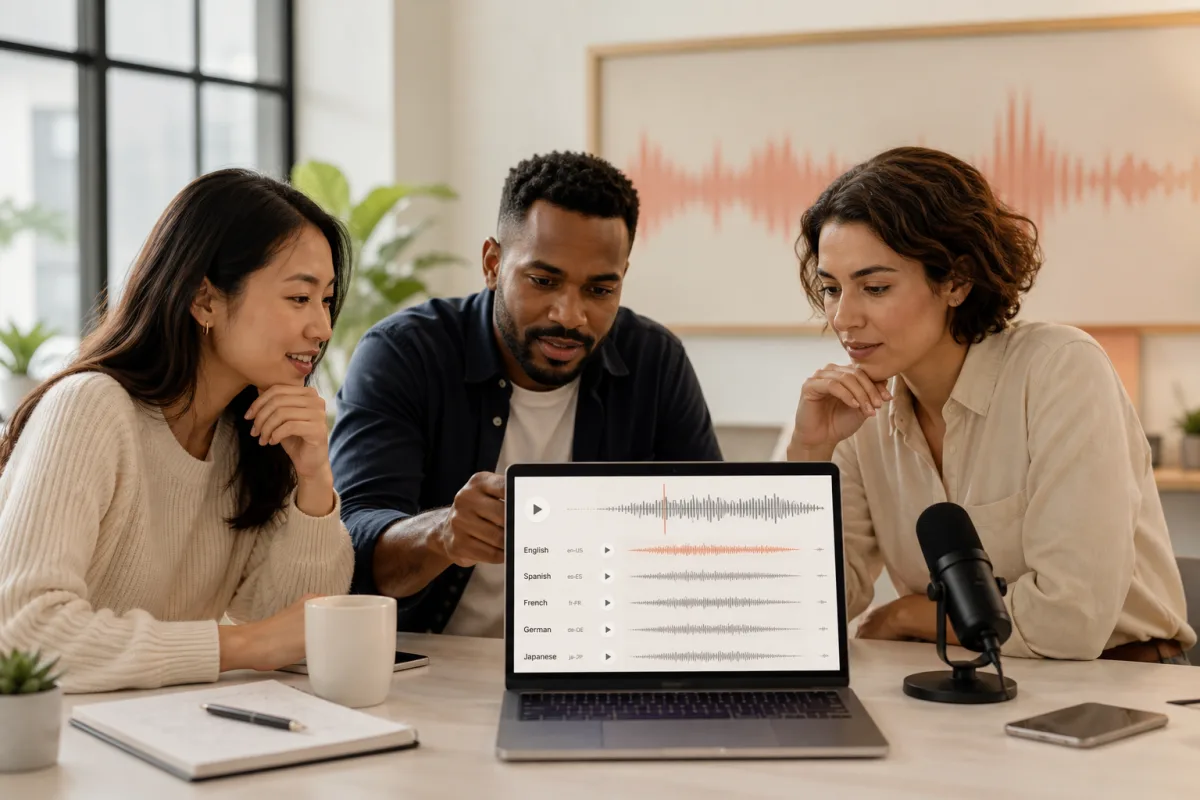
Marketing team reviewing multilingual audio tracks for an international campaign

Marketing and business

Localize product explanations, campaign voiceovers, presentations, and company updates.

Try the AI Audio Translator Free Online

Upload a supported recording up to 10MB, select the target language, and preview the translated voice in your browser.

Translate Audio Free
Customer proof

What Customers Say About Our Audio Translator

Our AI audio translator helps creators, educators, and teams prepare spoken content for a new audience without rebuilding every recording.

I turn English interview highlights into Arabic audio for our regional podcast feed. I upload the clean excerpt, review names in the translated preview, and download the finished track. We now serve both audiences without recording the interview twice.
Amina YusufPodcast producer
Our nonprofit records community announcements in Portuguese and shares them with English-speaking partners. The upload-and-preview workflow lets me prepare both versions in one sitting, so updates reach every volunteer before the next event.
Lucas FerreiraCommunity coordinator
I translate short onboarding recordings into French for our support team. I check the terminology, listen through once, and add the downloaded track to the lesson. Each module is ready hours earlier because I no longer coordinate a second narrator.
Claire MartinLearning designer
Questions, answered

AI Audio Translator Frequently Asked Questions

Can I translate audio online for free?

Yes. New accounts receive free credits, so you can upload a short recording and try the AI audio translator before purchasing more generations.

Which audio formats can I upload?

The launch tool accepts MP3, WAV, M4A, AAC, OGG, and WebM audio files up to 10MB.

How does the AI audio translator work?

The tool transcribes the source speech, translates the words, generates speech in the target language, and returns an audio file for review.

Can the audio translator preserve the original speaker?

The dubbing model is designed to retain recognizable speaker characteristics and timing. Results vary with recording quality, overlapping voices, music, and background noise.

How accurate is translated audio?

Clear speech improves accuracy. Review names, numbers, brand terms, and specialist vocabulary before publishing or sharing the generated recording.

Is my uploaded audio secure?

Uploads are associated with your authenticated account and stored under unique asset paths. Only process recordings you have permission to use.

Can I preview and download the translated audio?

Yes. When processing finishes, the result appears in an audio player with a download link and is added to your recent generation history.